Step 5: Create an Activation Request in Litmus Edge
1 min
You will need to create the activation request from a new Litmus Edge instance that will be sent to the Litmus Edge Manager.
To create the activation request from the un-activated Litmus Edge instance:
- In a new browser, log in to your Litmus Edge instance and navigate to System > Device Management > Litmus Edge Manager Activation.
- Copy and paste the Activation URL from Step 4 to the Data & Device Management Endpoint input field. Then click Validate to establish a connection.
Copy and paste the Activation Code from Step 4 to the Activation Code input field. Then click Activate.
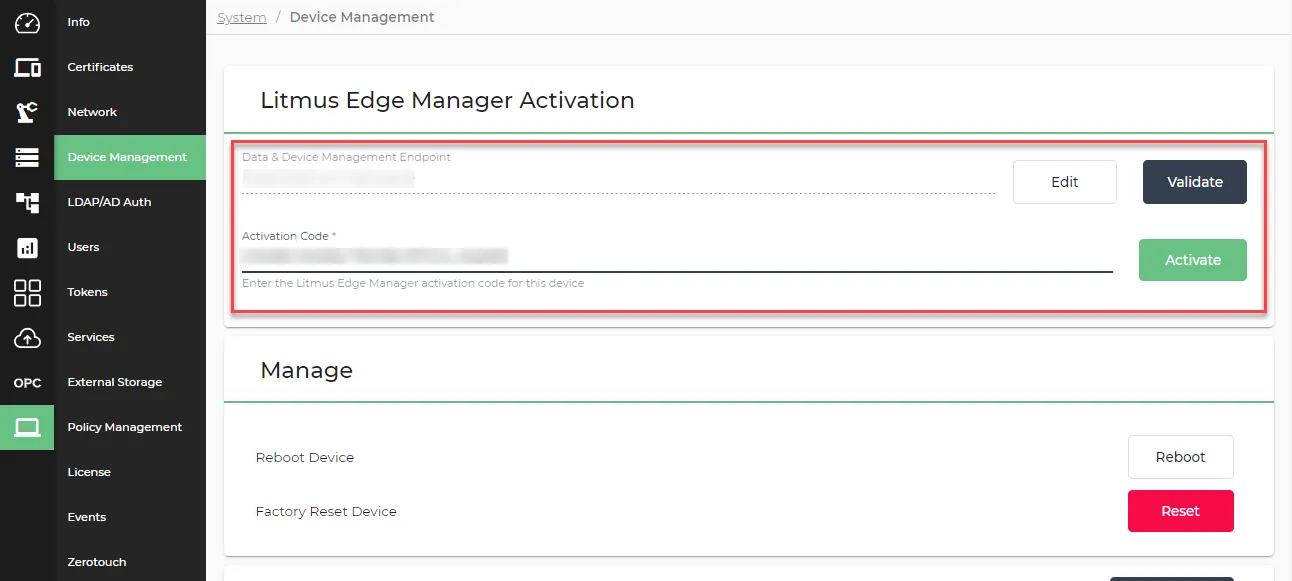 Litmus Edge Manager Activation pane
The Activation request has been sent dialog box appears.
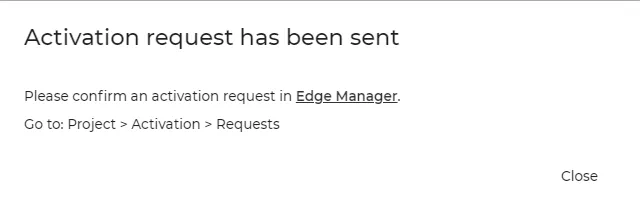 Activation request has been sent dialog box
Next Step
After creating an activation request in LE, you need to Approve the Activation Request in Litmus Edge Manager.