Step 6: Approve the Activation Request in Litmus Edge Manager
1 min
Once the activation request is sent to Litmus Edge Manager, you will need to approve it.
To approve the provisioning request for an edge device:
- From the Navigation panel, select Activation. The Configuration and Requests sub-modules drop down.
- From the navigation panel, select Requests. The Activation Request List pane appears.
Click the Action menu after finding your edge device, then select Approve.
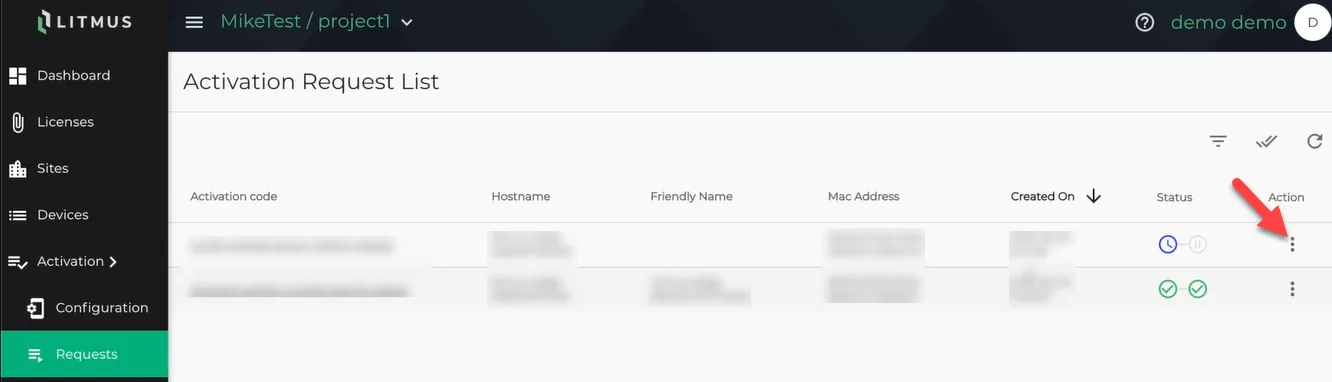 Activation Request List pane
Next Step
Once the activation request is approved, you can Set Variables in Litmus Edge Manager.