Step 7: Set Variables in Litmus Edge Manager
2 min
Once the activation request is approved, the Set Variables dialog box appears. Enter values for the variables in each variable field, and then click Apply.
Note: Please refer to the list of country codes for ISO 3166 when choosing the appropriate Country_Code.
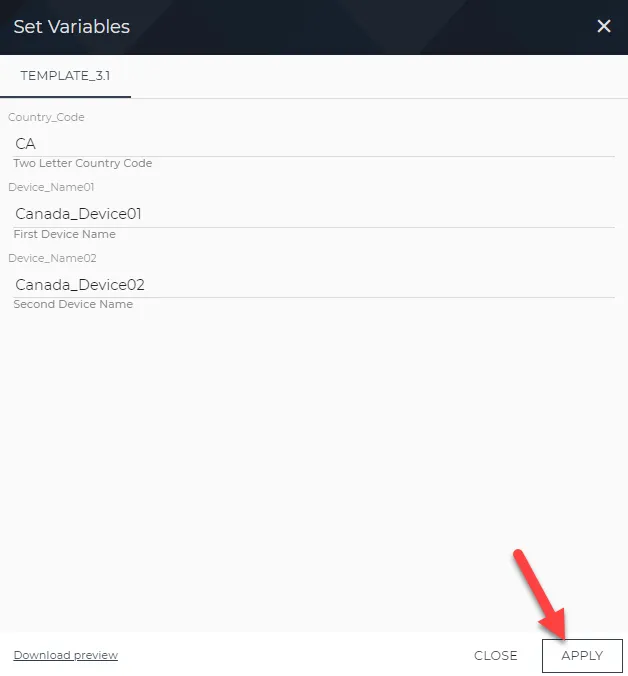
Set Variables dialog box
The Stage Activation icon under Status shows a green check mark, and then the Stage Provision icon under Status shows a green check mark.
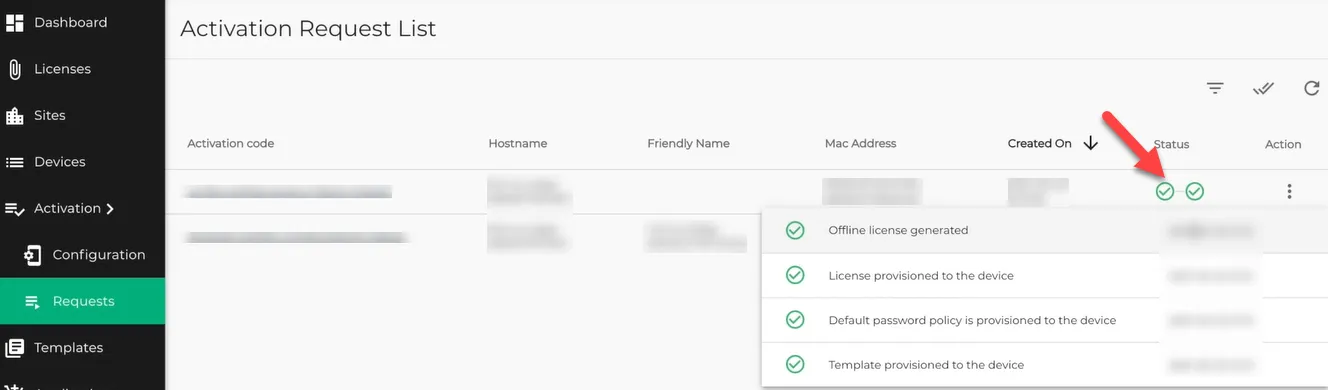
Activation Request List pane
Next Step
The device with a parameterized template has been activated. Next, we will Verify Template Parameters are Applied to an Edge Device.