JSONata Processor
The JSONata Processor transforms incoming JSON payloads using a JSONata expression you define, letting you reshape, filter, or combine fields from one or more inputs without writing custom code.
Why use the JSONata Processor
Use this processor when you need to query or restructure JSON data with JSONata's expression language, for example, extracting and renaming fields from a device payload, or combining fields from multiple inputs into a new shape.
How it works
Write your JSONata expression in the Code Editor, which supports syntax highlighting and real-time validation.
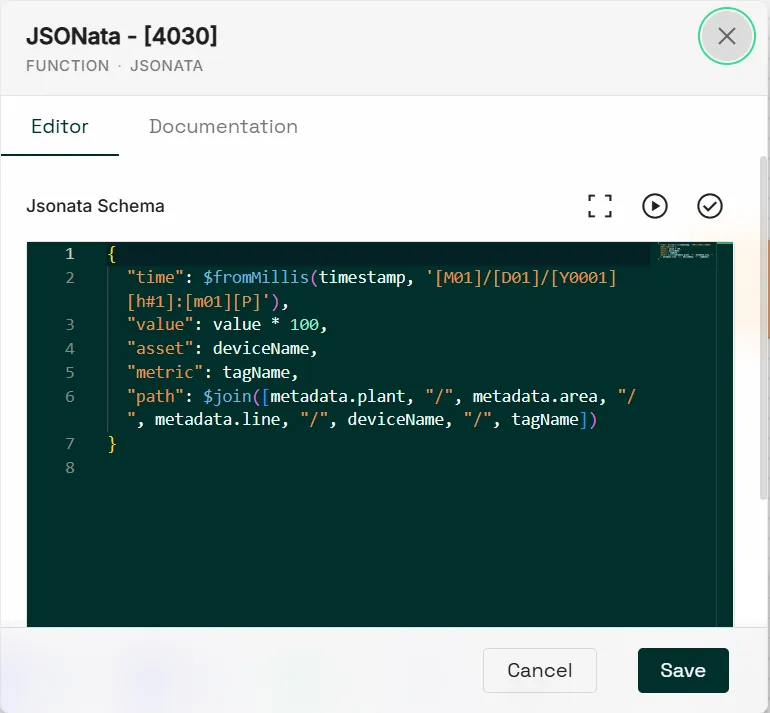
From the editor, you can also access:
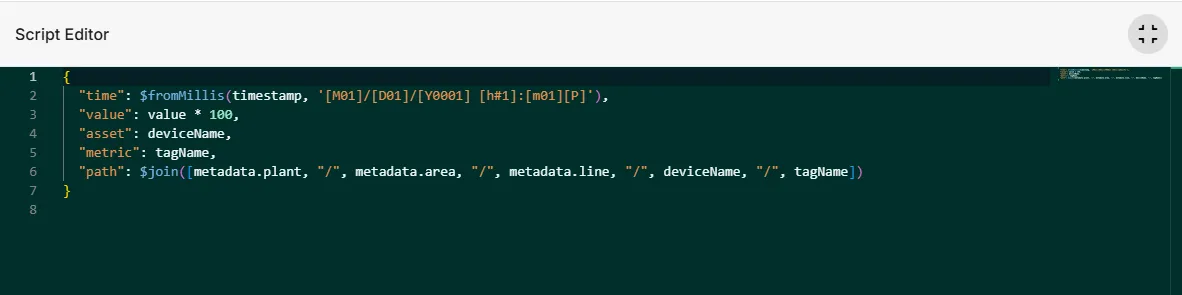
- Fullscreen to show the Code Editor in full-screen mode.
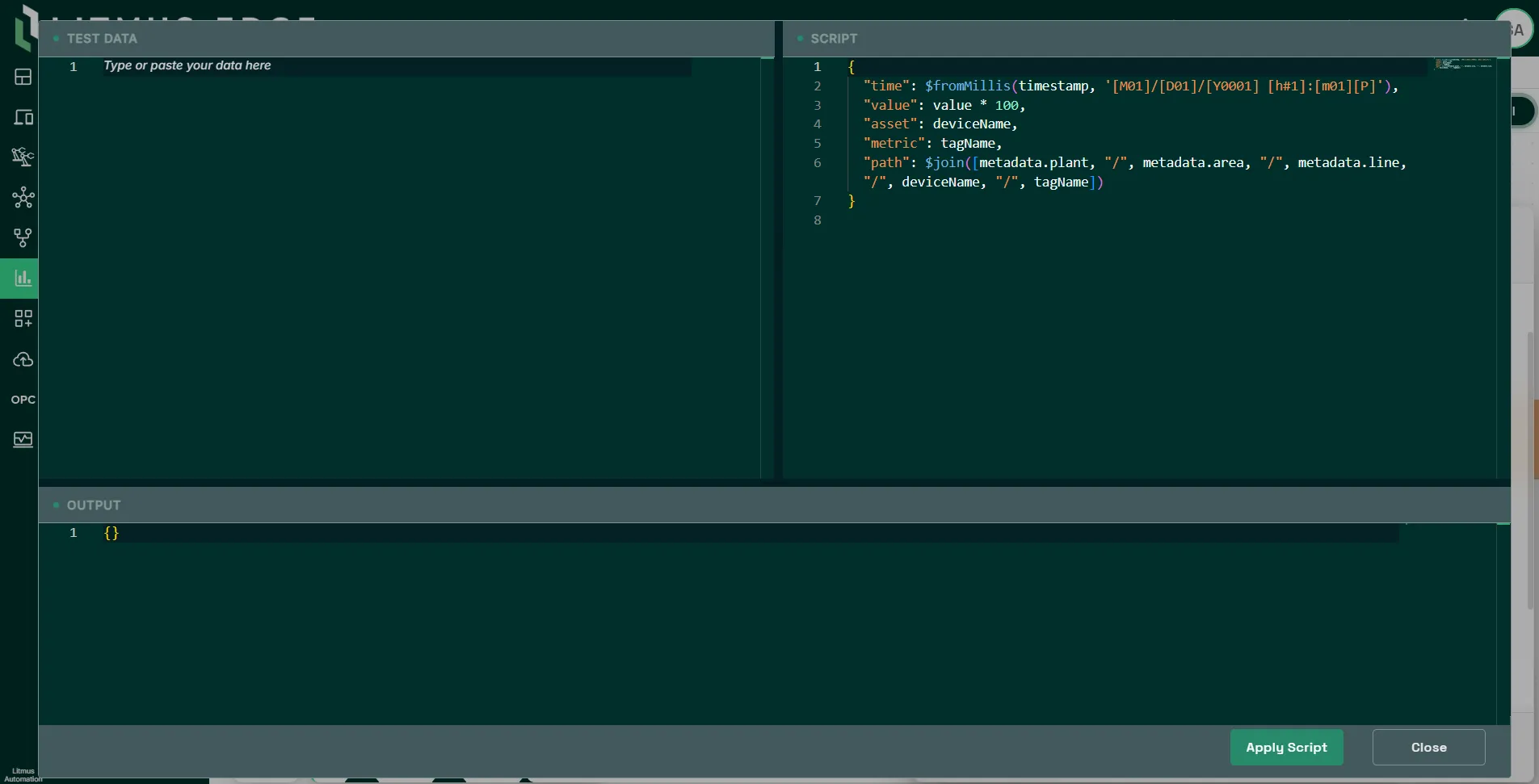
- Playground to test, write, and validate your expression in real time before deploying it.
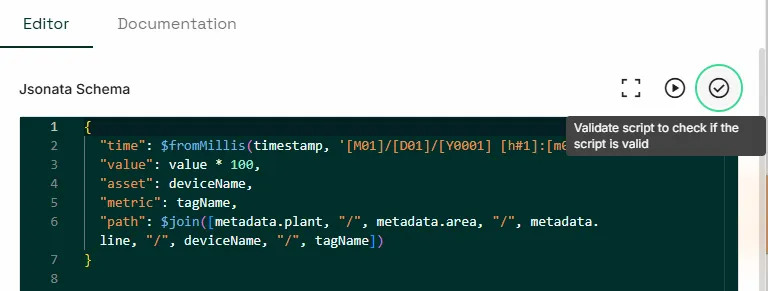
- Validate to check your expression's syntax.
Event wires versus value wires
The wire type you connect determines how your expression addresses the input:
- With an Event wire you reference incoming fields directly by name with no wire-name prefix. You can connect multiple event-wire inputs to one JSONata processor but each is processed independently and generates its own output payload.
- With a Value wire every field is prefixed with its wire name. The processor waits until every connected value-wire input has produced a payload before it produces output, holding earlier payloads in memory until the later ones arrive.
Examples
Using Event wires as input:
- When using the Event wire type, there is no need to specify the wire name when defining the fields in the JSONata expression.
- You can define multiple inputs into a single JSONata process. However, each input is considered as it’s own process flow and generates a new payload.
Input payload:
{
  "datatype": "float64",
  "description": "",
  "deviceID": "75F601CA-0F7A-4C26-90F0-470E2424BAC1",
  "deviceName": "Gen",
  "metadata": {},
  "registerId": "D5DCF52F-342B-4211-8F4F-B92E4406BC4C",
  "success": true,
  "tagName": "tag1",
  "timestamp": 1739558895577,
  "value": 0.38164469548275337
}
JSONata expression. In this example, you simply define the field name from the input in the expression:
{
  "metric": $substring(tagName,3),
  "value": value,
  "date": $fromMillis(timestamp, '[M01]/[D01]/[Y0001] [h#1]:[m01][P]')
}
Output payload:
{
  "date":"02/14/2025 6:51pm",
  "metric":"1",
  "value":0.38164469548275337
}
Using Value wires as input:
- When using the Value wire type, every input field must be a prefix wire name.
- The JSONata processor will not produce a payload until all input payloads are present. For example, the payload from input 1 is stored in memory until input 2 produces a payload.
Input payload 1:
// wirename = Input_1
{
  "datatype":"float64",
  "description":"current metric",
  "deviceID":"75F601CA-0F7A-4C26-90F0-470E2424BAC1",
  "deviceName":"Gen",
  "metadata":{},
  "registerId":"D5DCF52F-342B-4211-8F4F-B92E4406BC4C",
  "success":true,
  "tagName":"tag1",
  "timestamp":1739558895577,
  "value":0.38164469548275337
}
Input payload 2:
//wirename = Input_2
{
  "datatype":"float64",
  "description":"temp metric",
  "deviceID":"75F601CA-0F7A-4C26-90F0-470E2424BAC1",
  "deviceName":"Gen",
  "metadata":{},
  "registerId":"D5DCF52F-342B-4211-8F4F-B92E4406BC4C",
  "success":true,
  "tagName":"tag2",
  "timestamp":1739558895577,
  "value":-1.8813568907902232
}
Output payload:
{
  "metric_1": tsg1,
  "metric_2": tag2,
  "value_1": 0.38164469548275337,
  value_2": -1.8813568907902232,
  "date": "date":"02/14/2025 6:51pm"
}