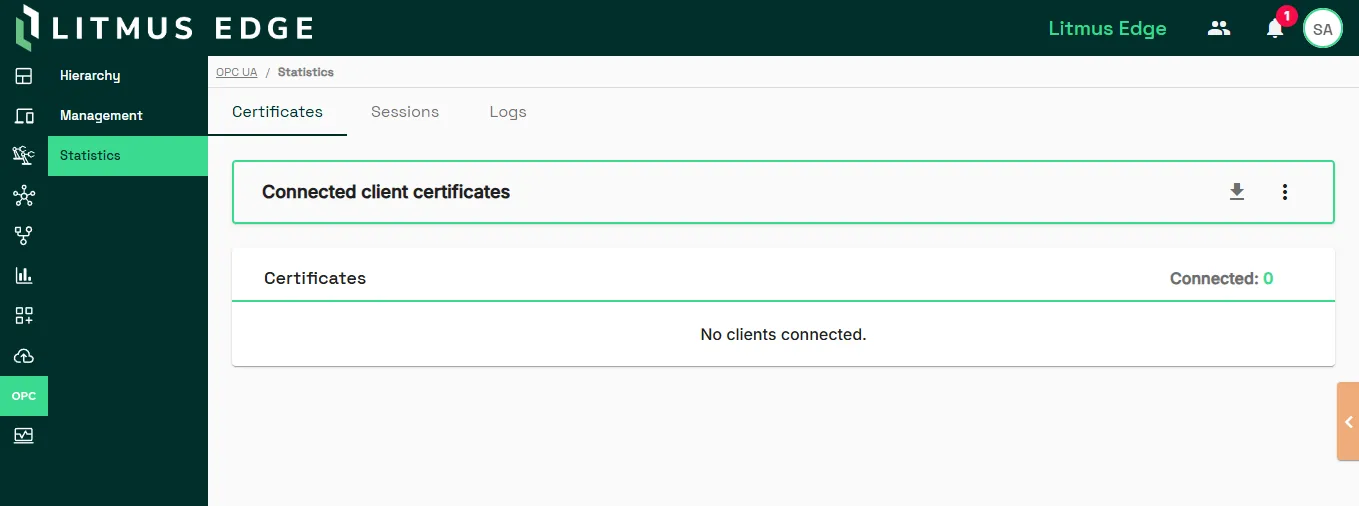
Statistics
2 min
The Statistics pane is used to manage certificate trust for OPC UA clients. Before a client can connect, the server must be configured to trust that client's certificate.
From here, you can view, trust, or remove client certificates, refresh the client list, and download the server certificate. For more information, see Manage OPC UA Authentication.
If you are using the Docker version of Litmus Edge and having issues connecting to the OPC UA server, see Issues Connecting to OPC UA Server.
Access OPC UA Statistics UI
To access the OPC UA Statistics pane:
- Log in to Litmus Edge.
- From the Navigation panel, navigate to OPC > Statistics. The Statistics pane appears.