Discover Devices on the Network
You can discover devices on the network by navigating to DeviceHub > Asset Discovery.
Enable/Disable Asset Discovery
Important: To discover devices on CIP, your firewall must allow incoming UDP packets on 58107. Once you enable discovery for CIP, a firewall rule in Litmus Edge is automatically created to allow UDP messages on port 58107. When device discovery for CIP is disabled, the firewall rule will be automatically deleted. You can view this rule on the Firewall page, but you can't edit or delete it. See Manage Firewall Rules to learn more.
You can enable and disable discovery of devices that are connected to your network. Use Asset Discovery to discover which nodes are for edge devices.
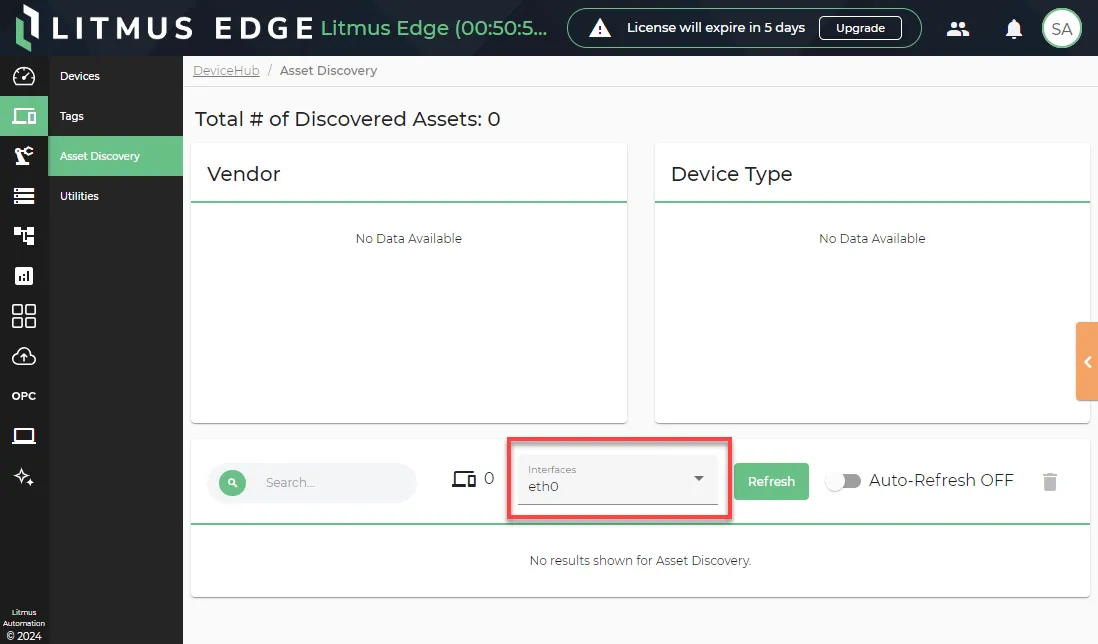
To enable asset discovery, you will first need to select which interfaces to search on. Open the menu for Interfaces to select them.
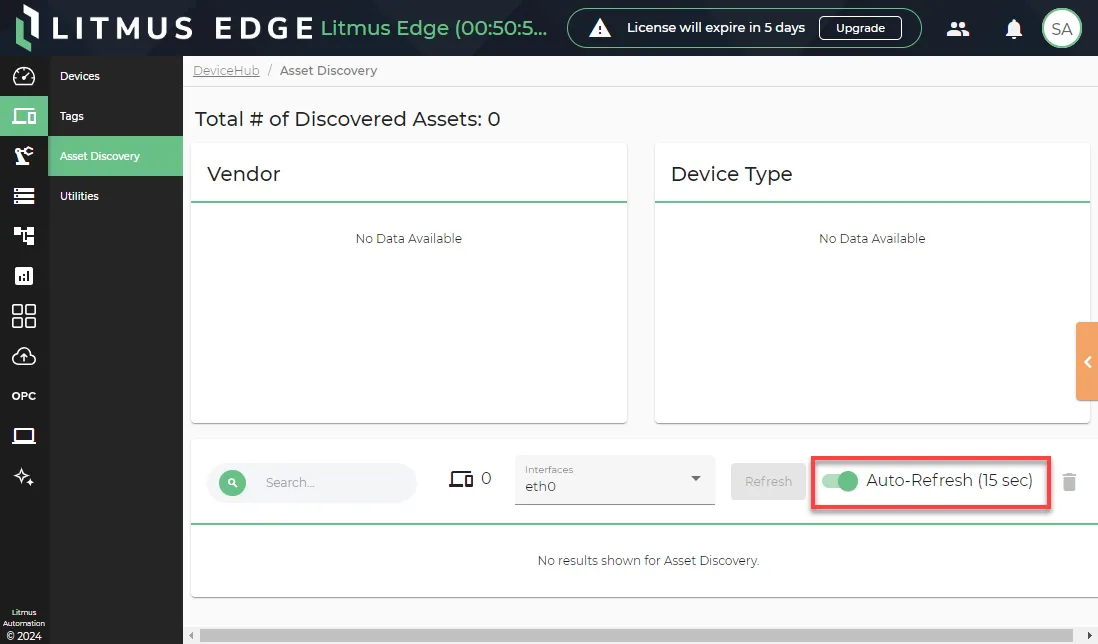
Then, toggle the Auto-Refresh switch to ON to start looking for devices.
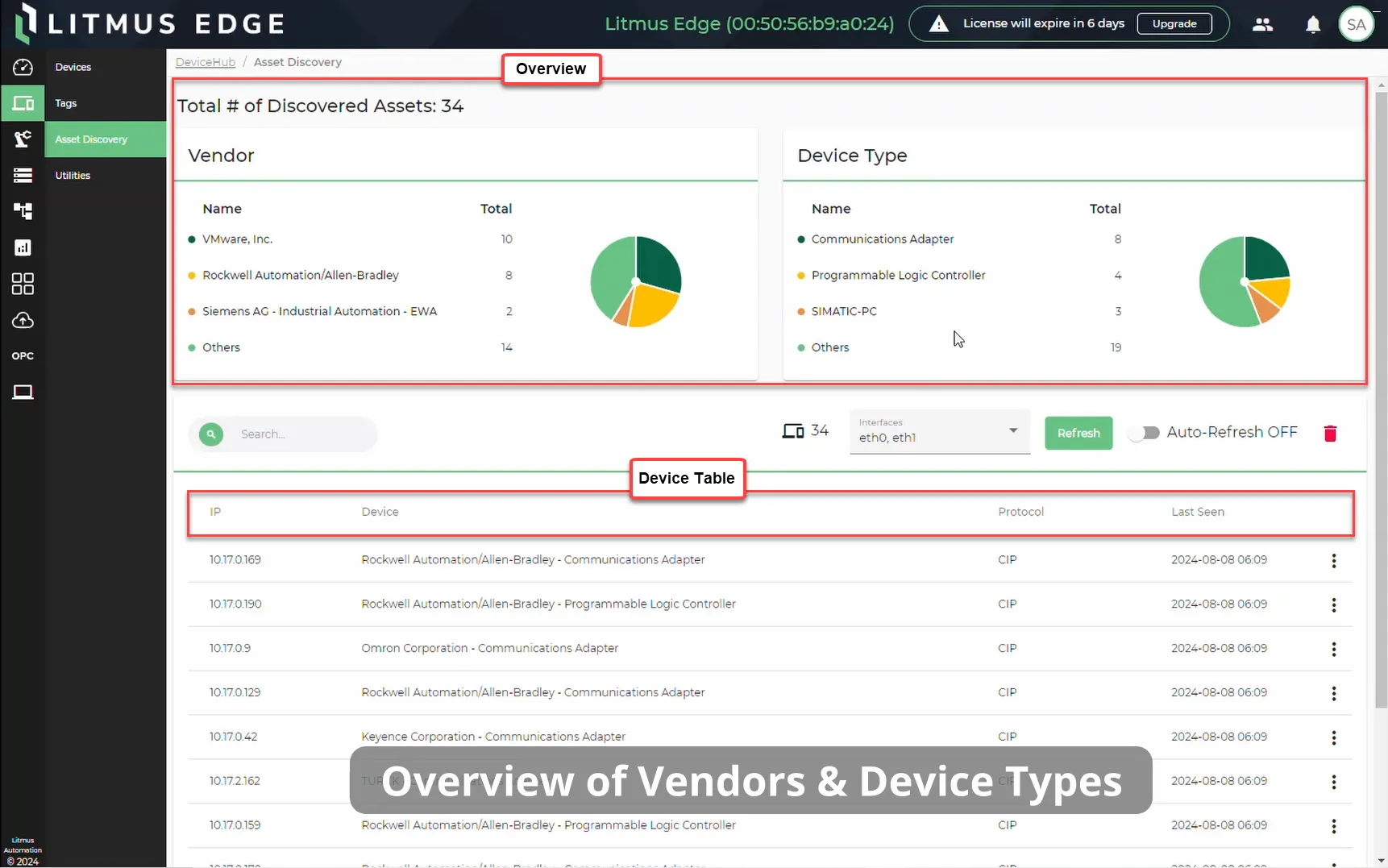
Once devices are discovered, you can review the following.
Overview
The overview section displays the following information.
- The total number of devices discovered.
- The total number of devices per vendor.
- The total number of devices per device type.
Device Table
The device table displays the following information for specific devices.
- IP address
- Device name
- Protocols
- Time last seen
Note: You can discover mDNS devices with a Network Utility license.