Dashboard Review
1 min
Once the dashboard elements have been configured, you can review the results in the dashboard.
The URL for the dashboard uses your Litmus Edge IP address.
Example: https://<ip address>/flows/api/ui/#/0
To review dashboard results:
- From the Navigation panel, select Flows Manager.
- Click the Expand icon next to a selected Flow.
- Click the Menu icon, select View > Dashboard, and then drag the Sidebar up from the bottom of the canvas.
- From the Dashboard tab, click the Launch icon at the upper right of the sidebar dashboard view. The dashboard appears in a new tab.
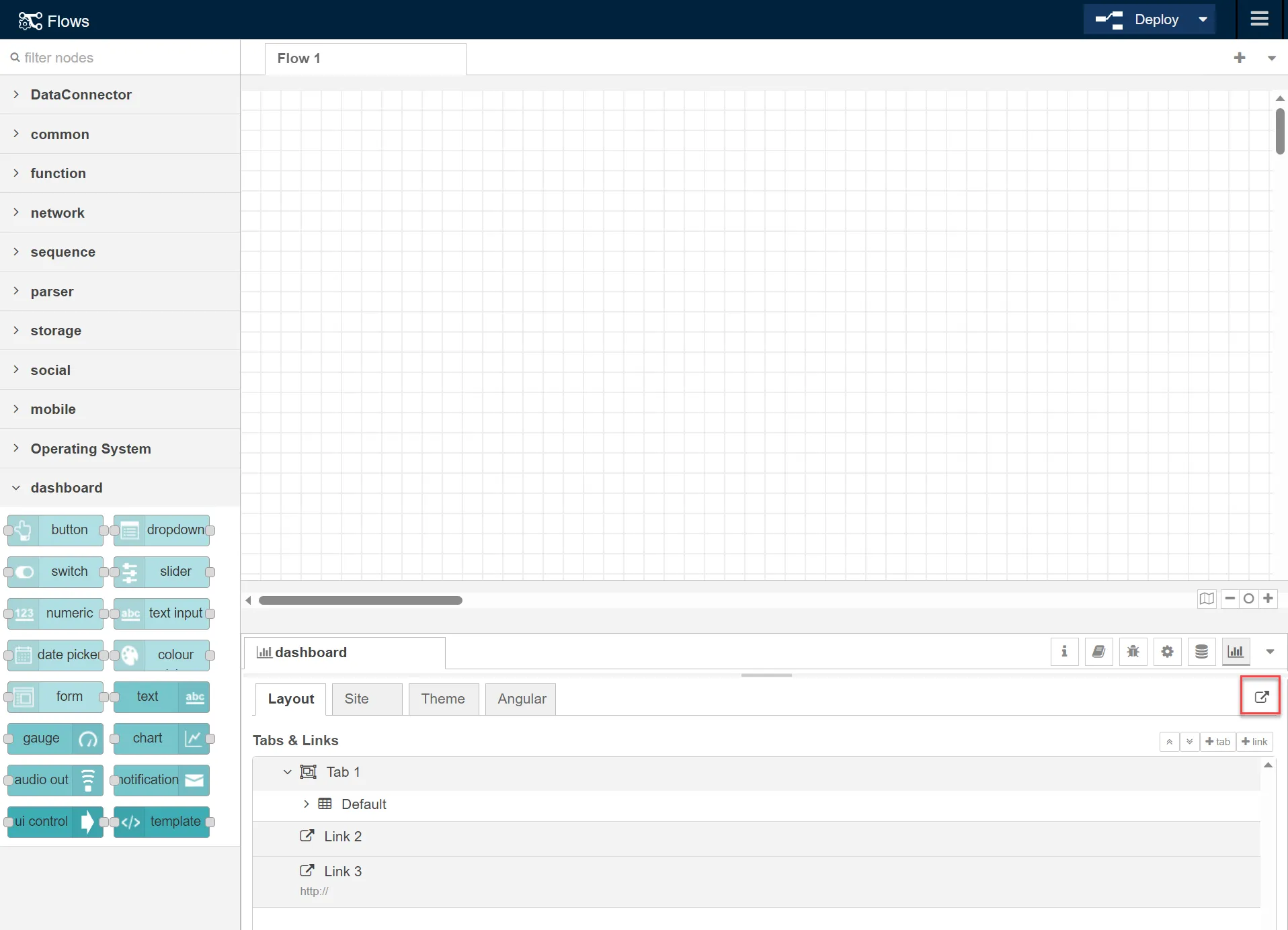
Dashboard launch icon