Dashboard Theme
3 min
The Theme tab allows you to control the style, background color and font settings for your Dashboard.
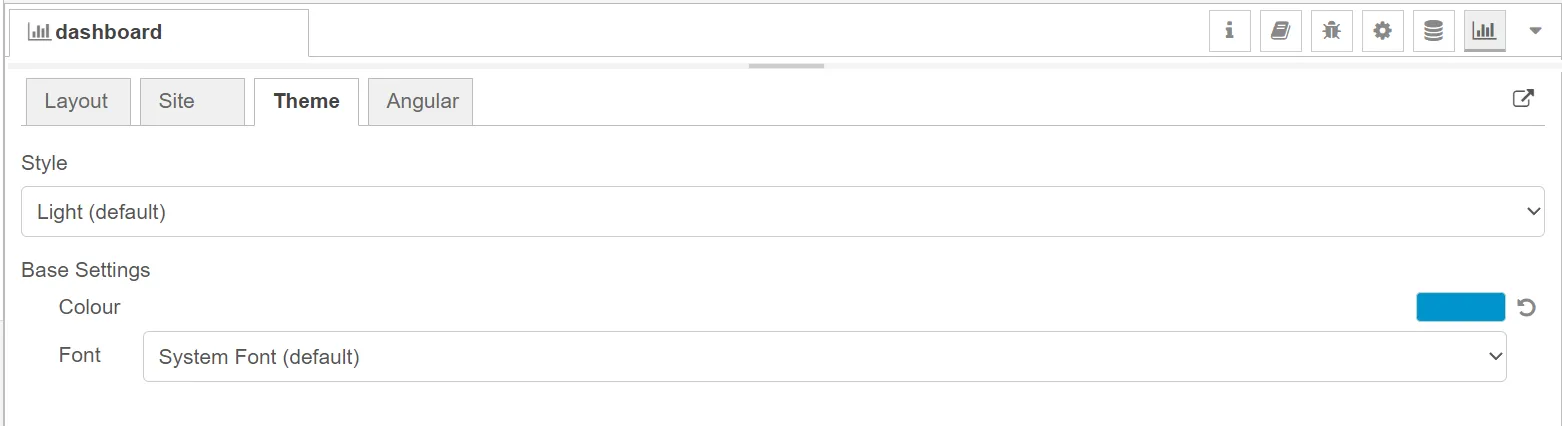
Dashboard Theme tab
You can select the following options for Style:
- Light (default)
- Dark
- Custom
The Light style includes preconfigured base settings which you can change according to your taste.
- Background color: Click the color field and select a different color.
- Font: Select a specific font from the Font drop-down list.

Light theme options
The Dark style includes preconfigured base settings, which you can change according to your taste.
- Background color: Click the color field and select a different color.
- Font: Select a specific font from the Font drop-down list.

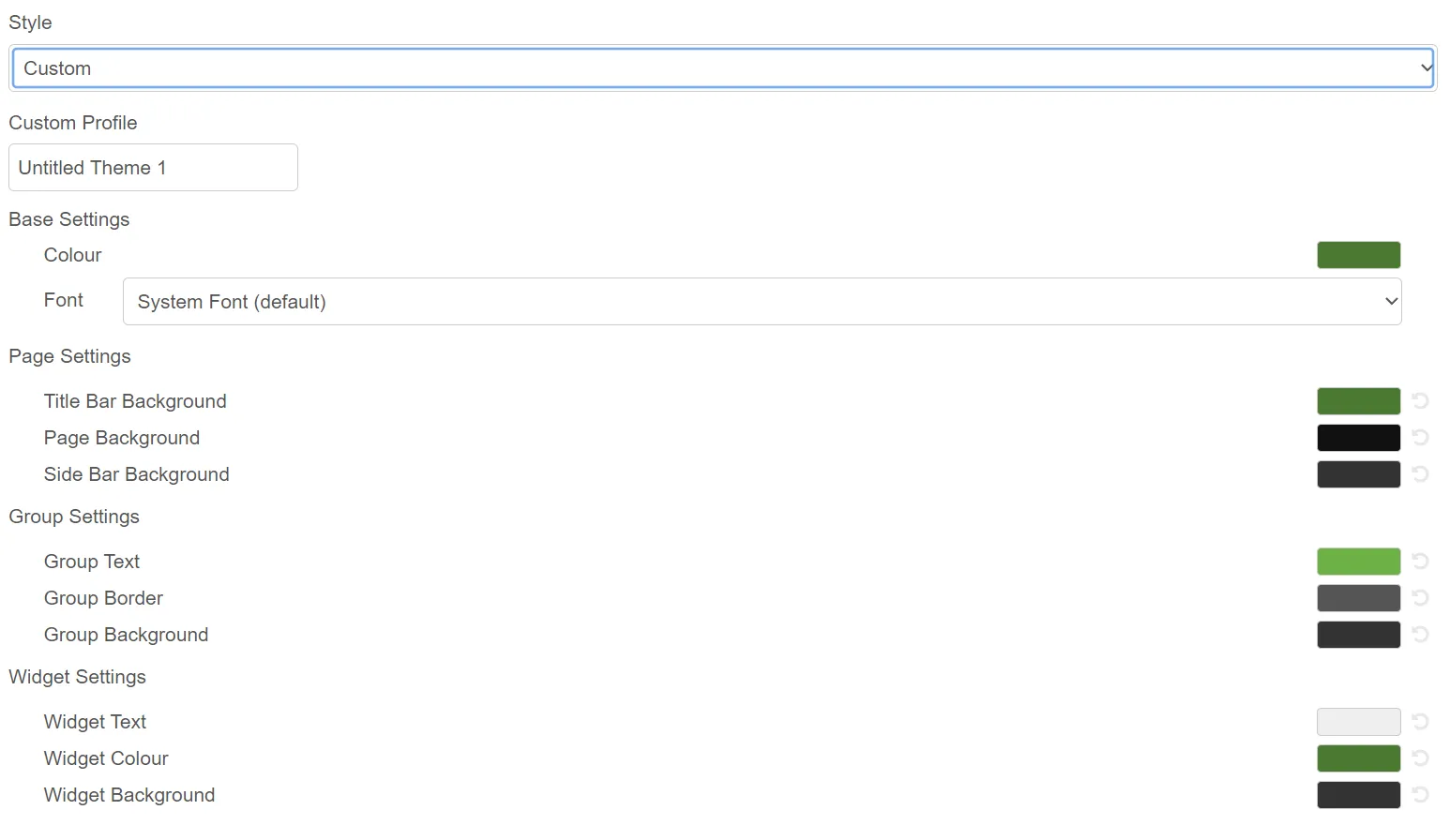
When you select the Custom style, several settings dropdown. You can save the custom theme to the library or select a saved theme from the library.
The Custom style allows you to make the following configurations:
- Base Settings: You can edit the base color and font from here.
- Page Settings: You can select the background colors for the Title Bar, Page, and Side Bar from here.
- Group Settings: You can select the colors for Group text, border, and background from here.
- Widget Settings: You can select the colors for Widget text, color, and background from here.