Manage Your User Profile
3 min
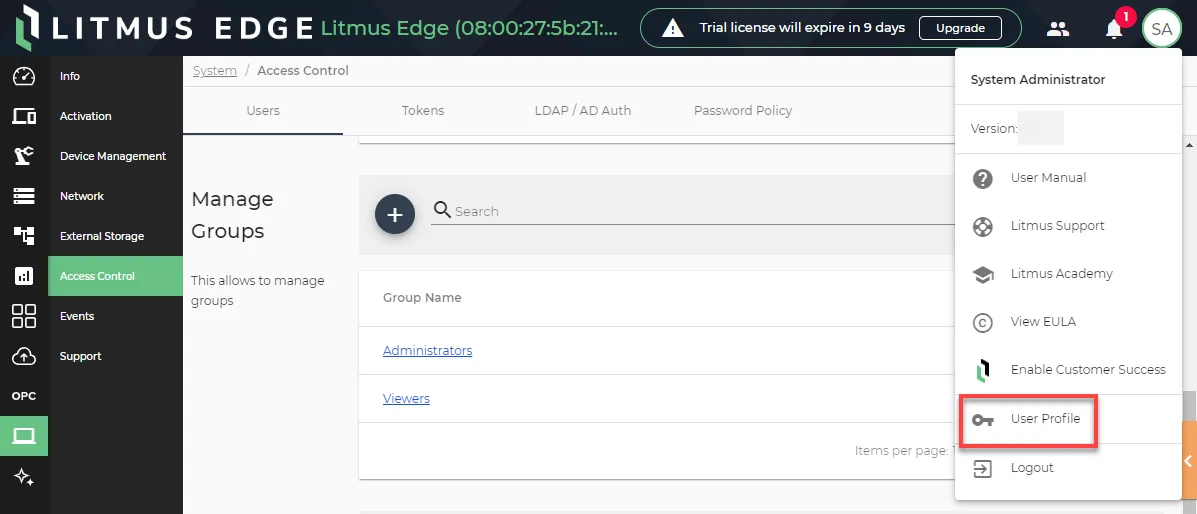
You can access your user profile from your user icon. To manage your user profile, click your user icon in the top-right corner and select User Profile.
Update your Password
From your user profile, you can update your password.
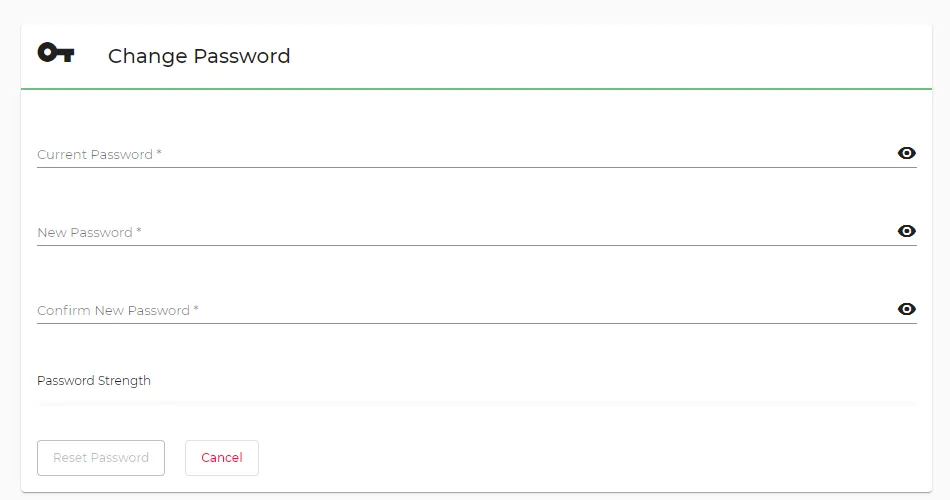
Change Password section
Enable Multi-Factor Authentication (2FA)
To enable Multi-Factor Authentication (2FA):
- In Multi Factor Authentication, click Enable.
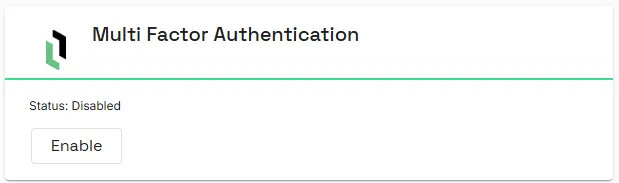
- Login to Litmus Edge again and navigate back to User Profile.
- In Multi Factor Authentication, click Setup.
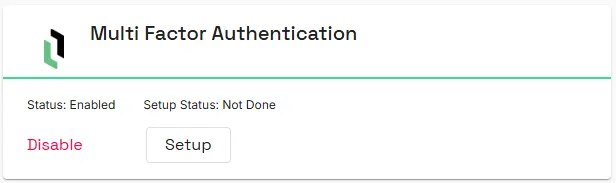
- In Multi Factor Authentication, click scan the QR with the authenticator app on your mobile device.
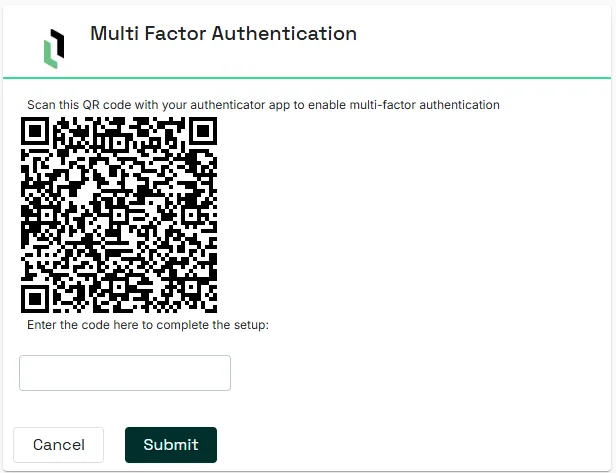
- Enter the code from your authenticator app and click Submit.
Review Permissions
Refer to the Permission Scopes section to review your user permissions for each Litmus Edge feature module.
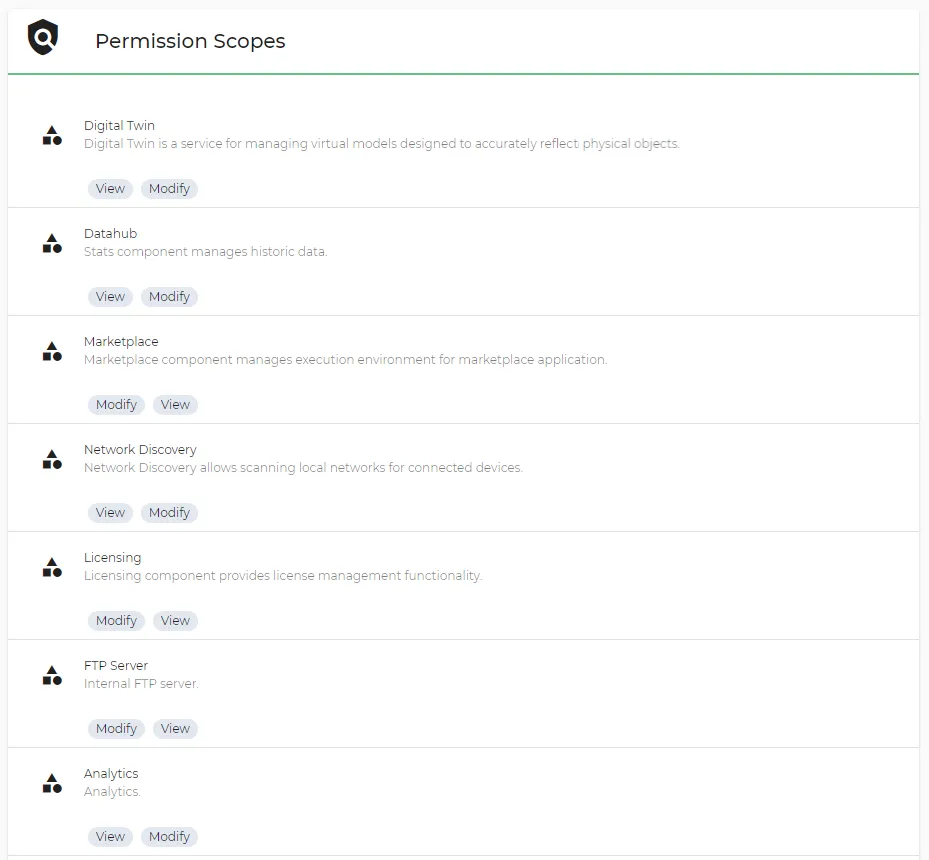
Permission Scopes section