Tengo Script
The Tengo Script processor lets you write a Tengo script, a scripting language with rules similar to Go, to add, remove, or modify fields in the message from an input tag.
Why use the Tengo Script processor
Use this processor when you need to reshape a message beyond what a fixed processor supports, for example, renaming a field (such as changing value to furnace pressure), keeping only the fields you need and dropping the rest, deriving a new field from an existing value (such as adding an error field when value crosses a threshold), or reformatting a Unix timestamp into a human-readable one.
How it works
Write your script in the Code Editor. Timeout sets how long (in milliseconds) the script is allowed to run before it's considered timed out.
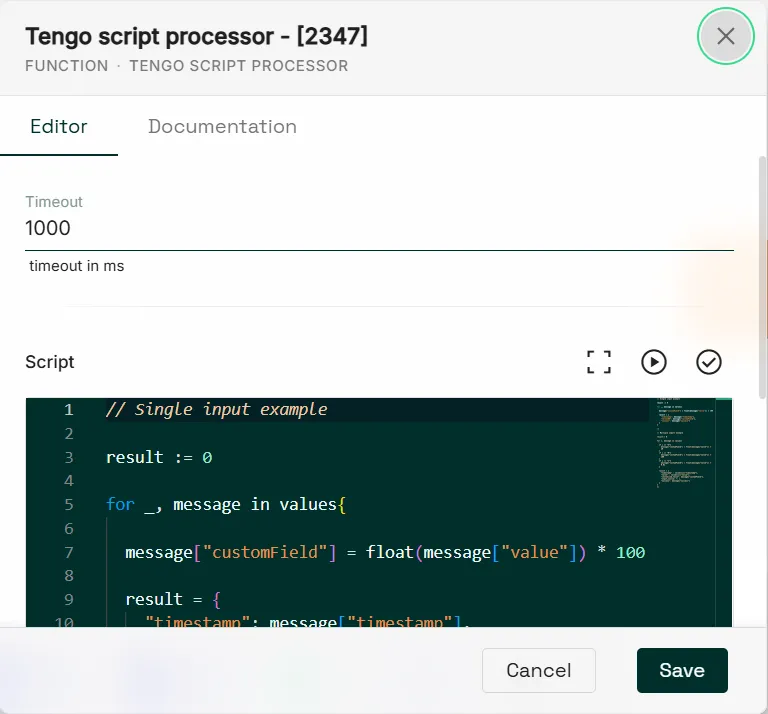
From the editor, you can also access:
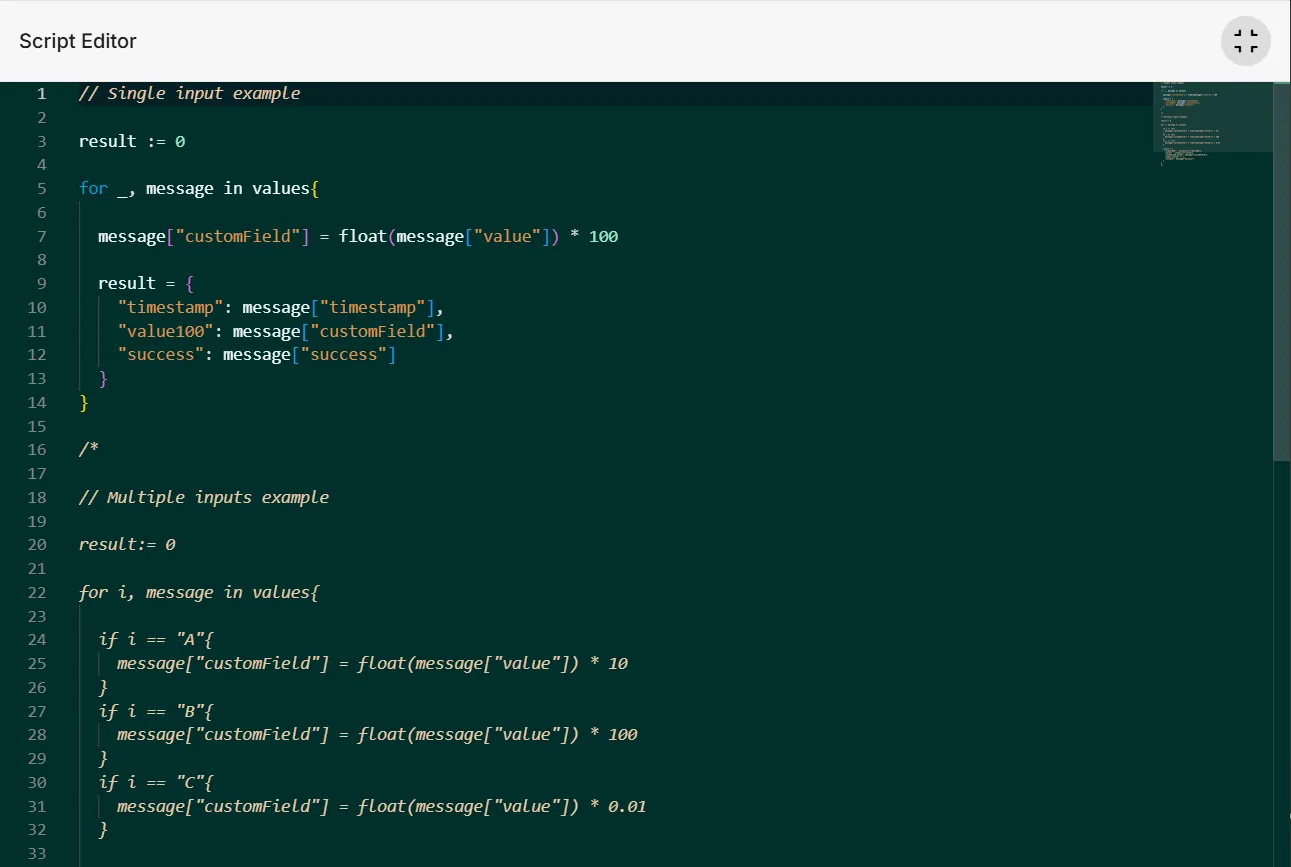
- Fullscreen, to show the Code Editor in full-screen mode.
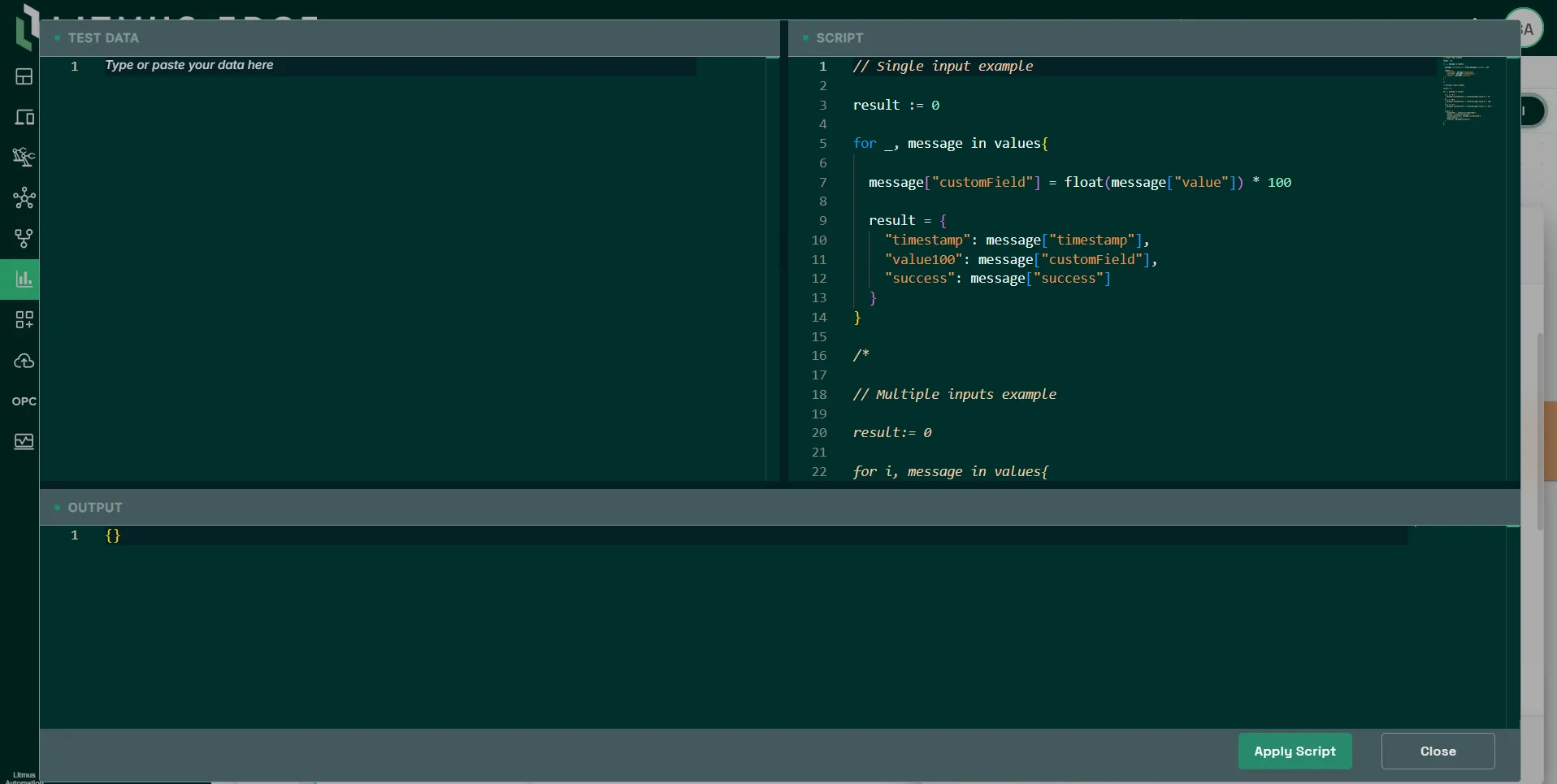
- Playground, to test, write, and validate your script in real time before deploying it.
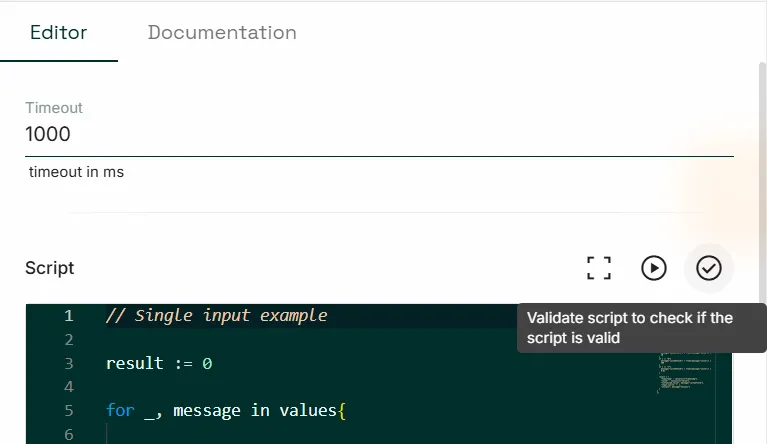
- Validate to check your code.
Working with input messages
Every message from the input is stored in an array called values. Use a for i, message in values{} statement to loop over it: message holds the full incoming message for you to manipulate, and i identifies which connection wire it came from. For a single input, you can replace i with _ since there's only one connection to distinguish. Both i and message are just variable names; you can name them whatever you like.
With multiple inputs, for example three connection wires named A, B, and C, i tells you which wire each message came from as the loop runs. Use if-else logic to manipulate each input differently, or apply the same manipulation to all of them. You can output the result for a single input only, or for all of them.