Import Nodes
2 min
You can import nodes from your DeviceHub configuration by navigating to OPC > Hierarchy.
Note: The imported nodes merge with the existing hierarchy rather than replace it.
Import Nodes
To import nodes:
- Navigate to OPC > Hierarchy.
- From the Hierarchy pane, click the Import from DeviceHub icon. A Confirmation dialog box appears.
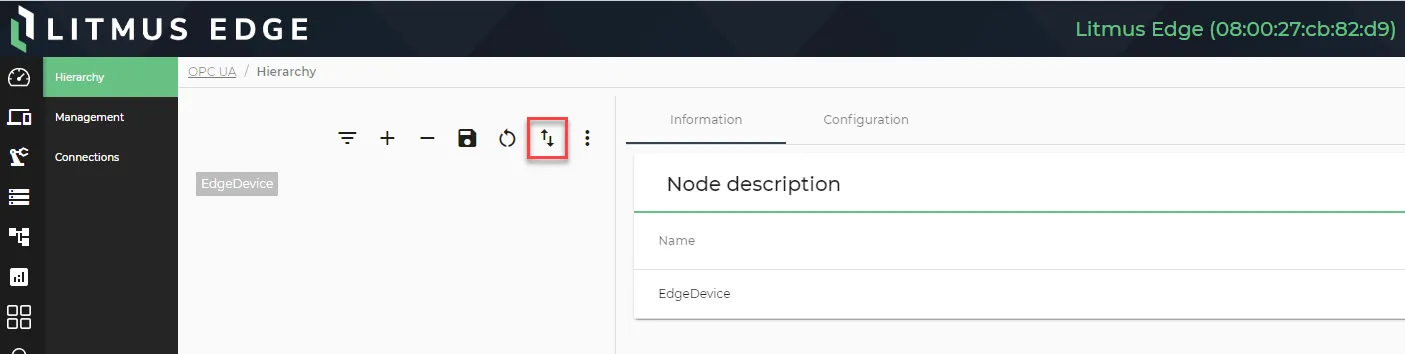
The Import from DeviceHub icon
- Click Yes.
- Click the Save icon to save your changes.
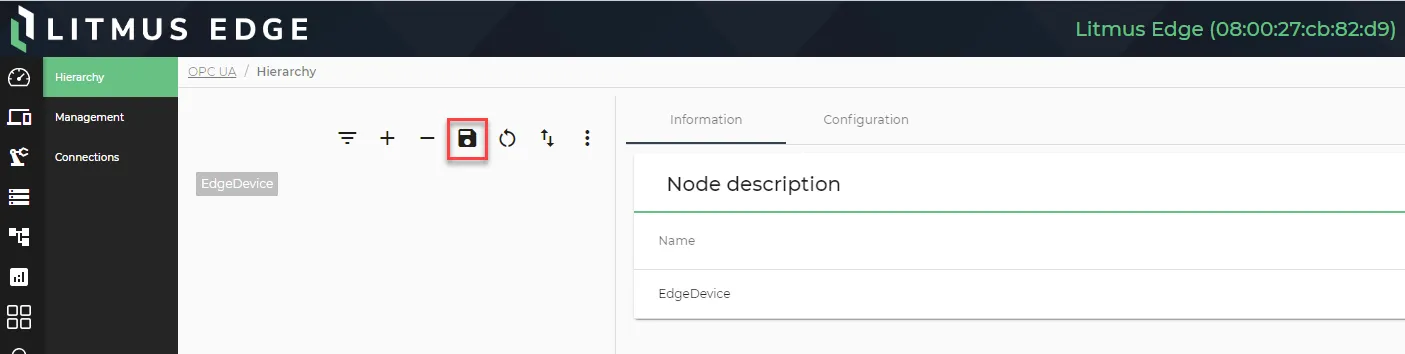
The Save node icon
Restart OPC UA server
After importing nodes, you must restart the OPC UA server. See Manage the OPC UA Server to learn more.