Add processors and processor connections
2 min
Use this page to add processors to the Instances canvas individually and connect them manually. You can also import and export analytics flows as JSON files.
Add a processor
To add a processor:
- Navigate to Analytics > Instances.
- From the top toolbar, select a workspace.
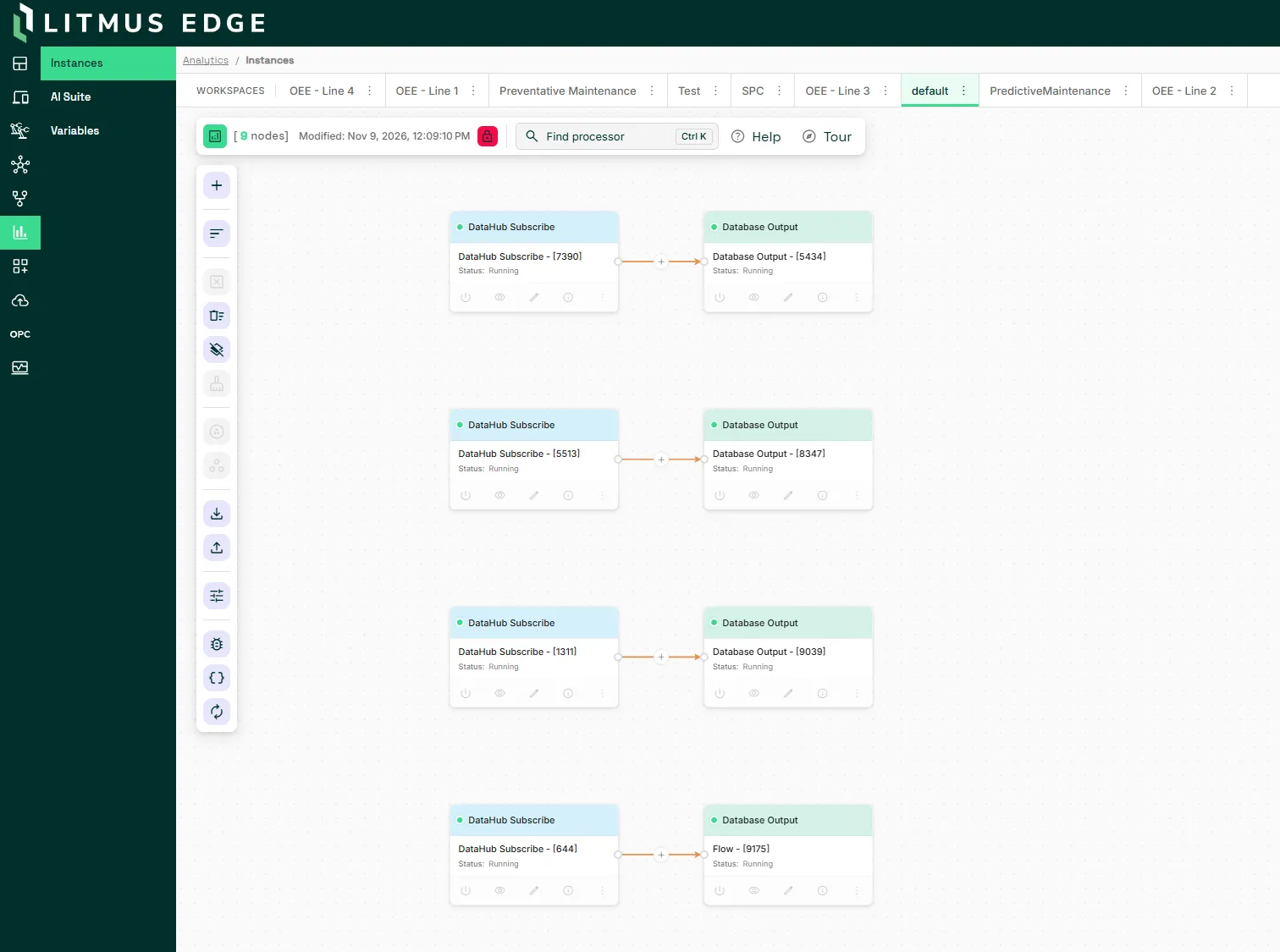
- From the side toolbar, select Add processor. Select Input, Function, or Output to narrow the processors that display.
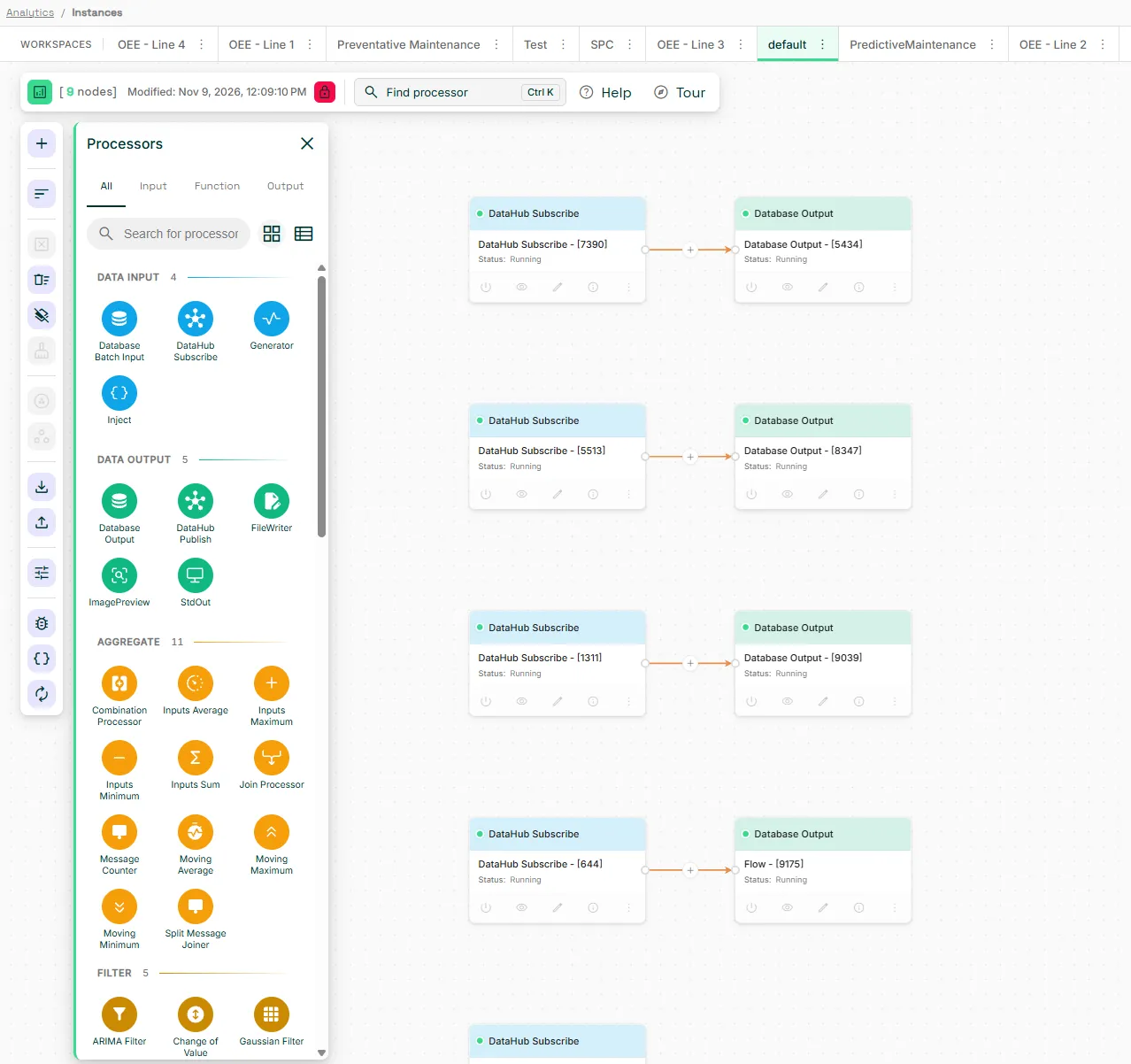
- Drag a processor onto the canvas.
- Configure the parameters for the processor. This example shows the Combination Processor dialog.
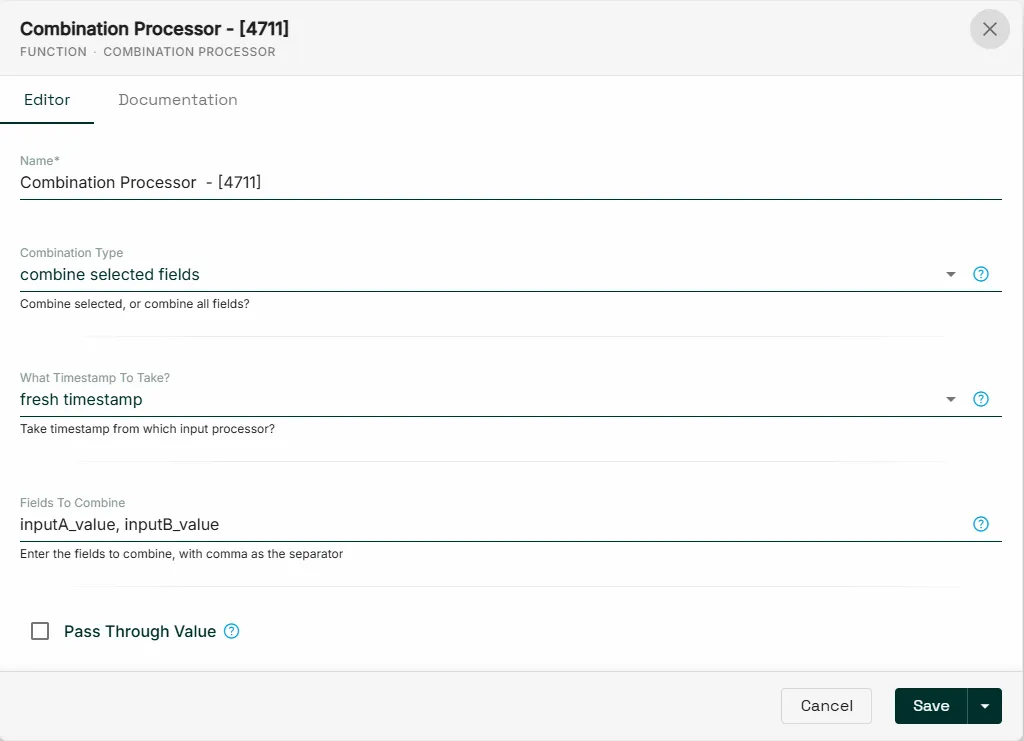
- Click Save.
Add a processor connection
To connect two processors, drag a connector from one processor to another. Select the connection type:
- Events (individual data source): The receiving processor reacts to each data value immediately. Applies to input-to-function and function-to-output connections.
- Values (combined data sources): The function processor waits for values from all connected input sources before processing. For example, if a function processor compares values from input processors A and B, it waits for a value from both before performing the comparison. Applies only to input to function connections.

If a red error icon appears on a connected processor, hover over the connection to view the error message.