Manage assets
3 min
Asset Management brings together three areas:
- Digital Twins: Create, configure, and deploy Digital Twins models, and manage their instances.
- Asset hierarchy: Model your physical operations with industry-standard level schemas such as ISA-95, and bind Work Units to Digital Twins models and instances.
- Asset Hub: Browse the Litmus catalog of Digital Twins models and import them into your environment.
Digital Twins
Digital Twins uses data to create models that can predict how a product or process performs. It is a virtual representation of a physical object or system across its life-cycle. A Digital Twin uses real-time data to enable learning for improved decision making.
Note: Digital Twins is an experimental feature which must be enabled from the Litmus Edge Manager Admin Console before it becomes visible in Litmus Edge Manager. See Experimental Features for more information.
Access asset management
To access the Asset Management UI:
- Log in to Litmus Edge Manager.
- From the Company List, click Asset Management for a company.
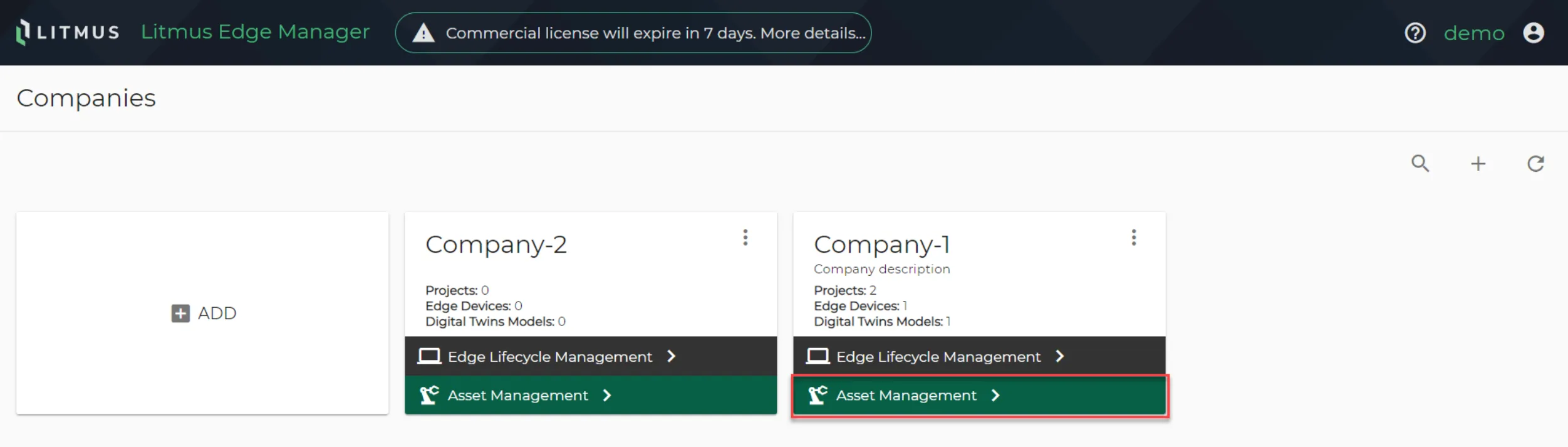
Select asset management
The Digital Twin Models panel appears.
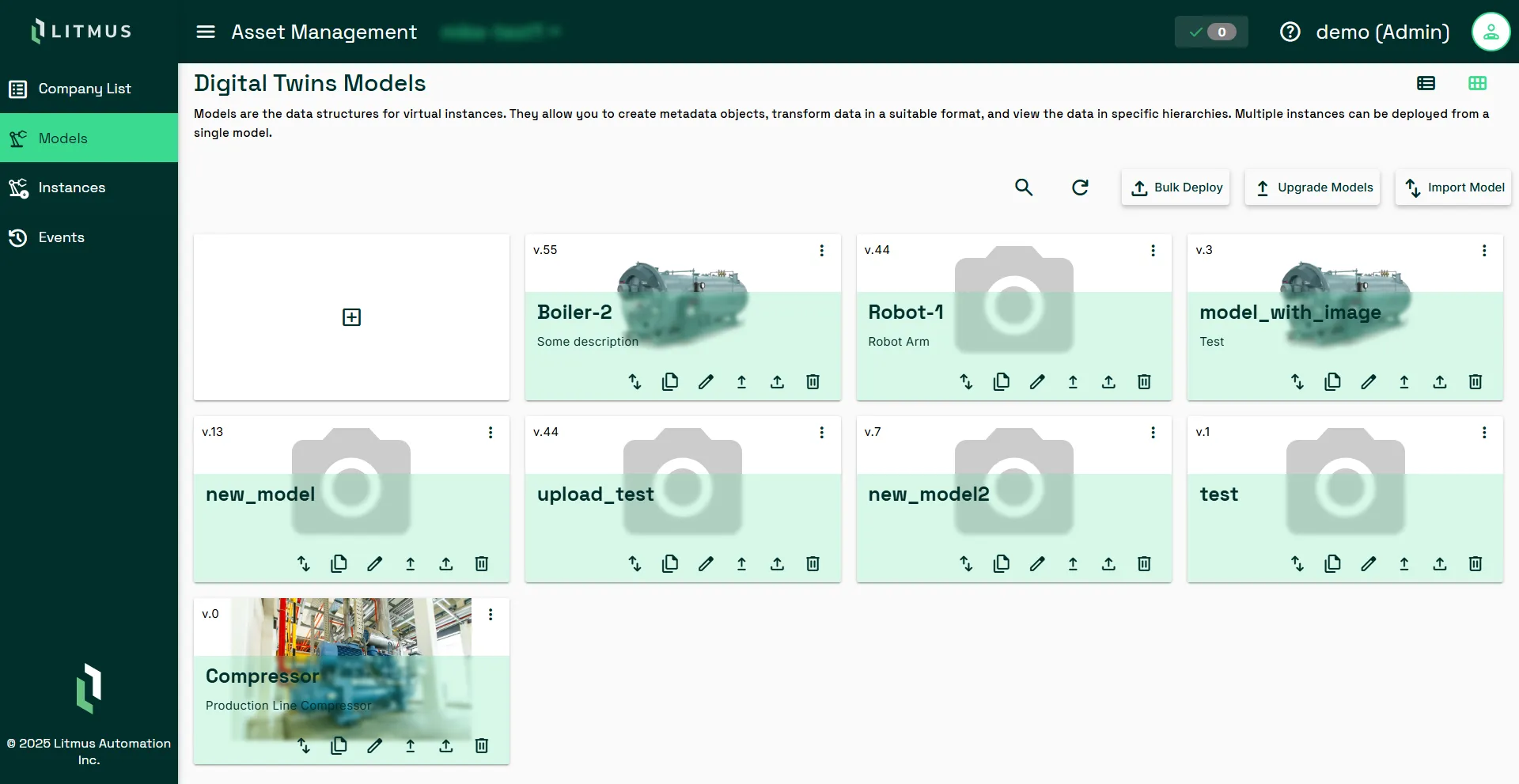
Digital Twin Models
Next steps
The following operations are available for Company List: