Install and Access Litmus Unify
2 min
Review the steps below for installing and accessing the Unify.
Step 1: Install Litmus Unify
To install Unify, see Deploying Litmus Unify on Kubernetes using Helm Chart.
Step 2: Log in to Litmus Unify
Once the file is installed, use a browser to access the IP address assigned to the VM. You will be redirected to the homepage.
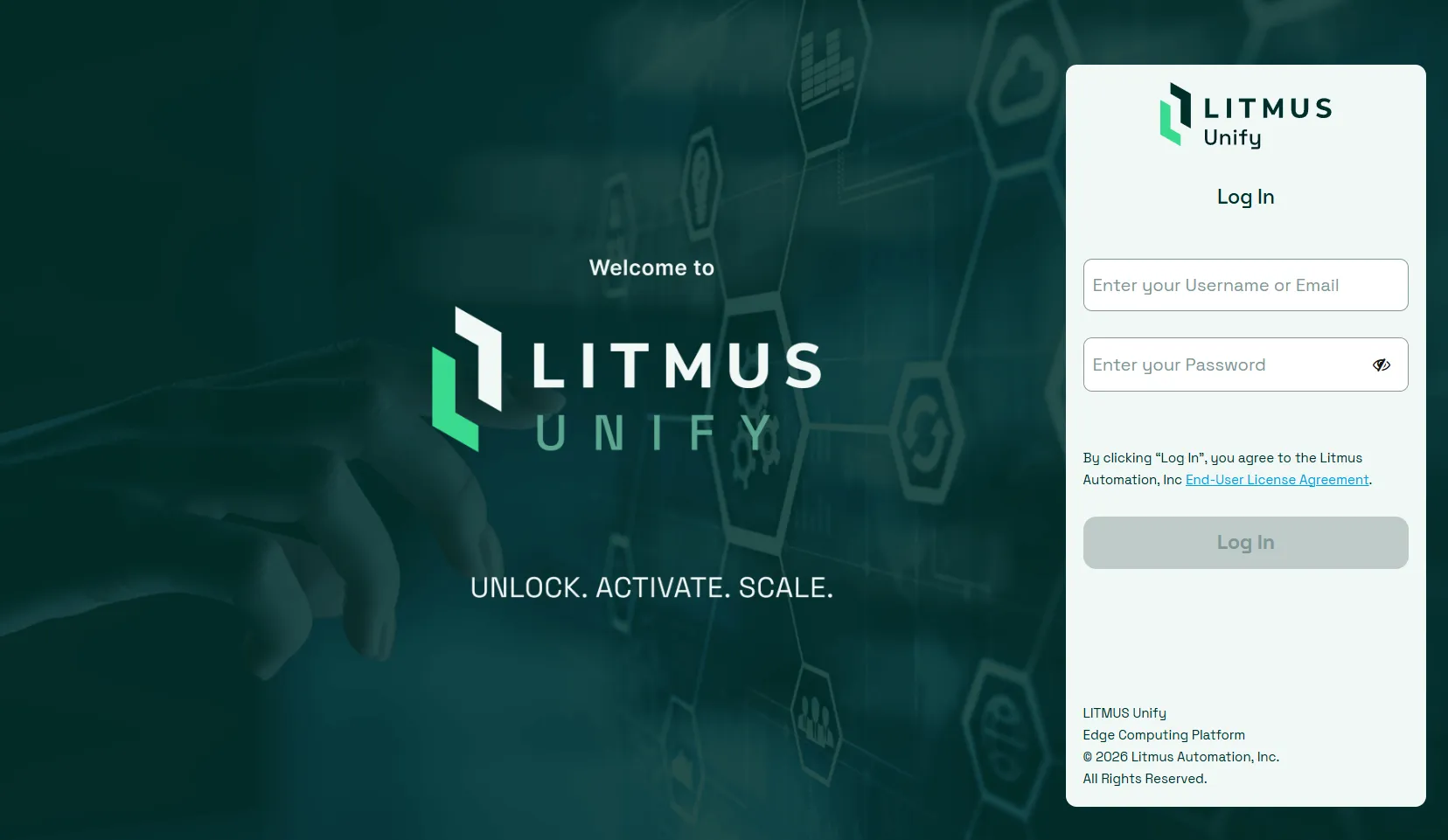
The default login credentials for the first-time login are:
- Username: admin
- Password: admin