Monitor live data
3 min
Watch messages from one topic in the browser.
Start a live stream
- Open a topic from Explore or the global search bar.
- Select Live Stream.
- Select Start Streaming.
- Confirm that messages appear while the source publishes to the topic.
- Select Stop Streaming when you finish.
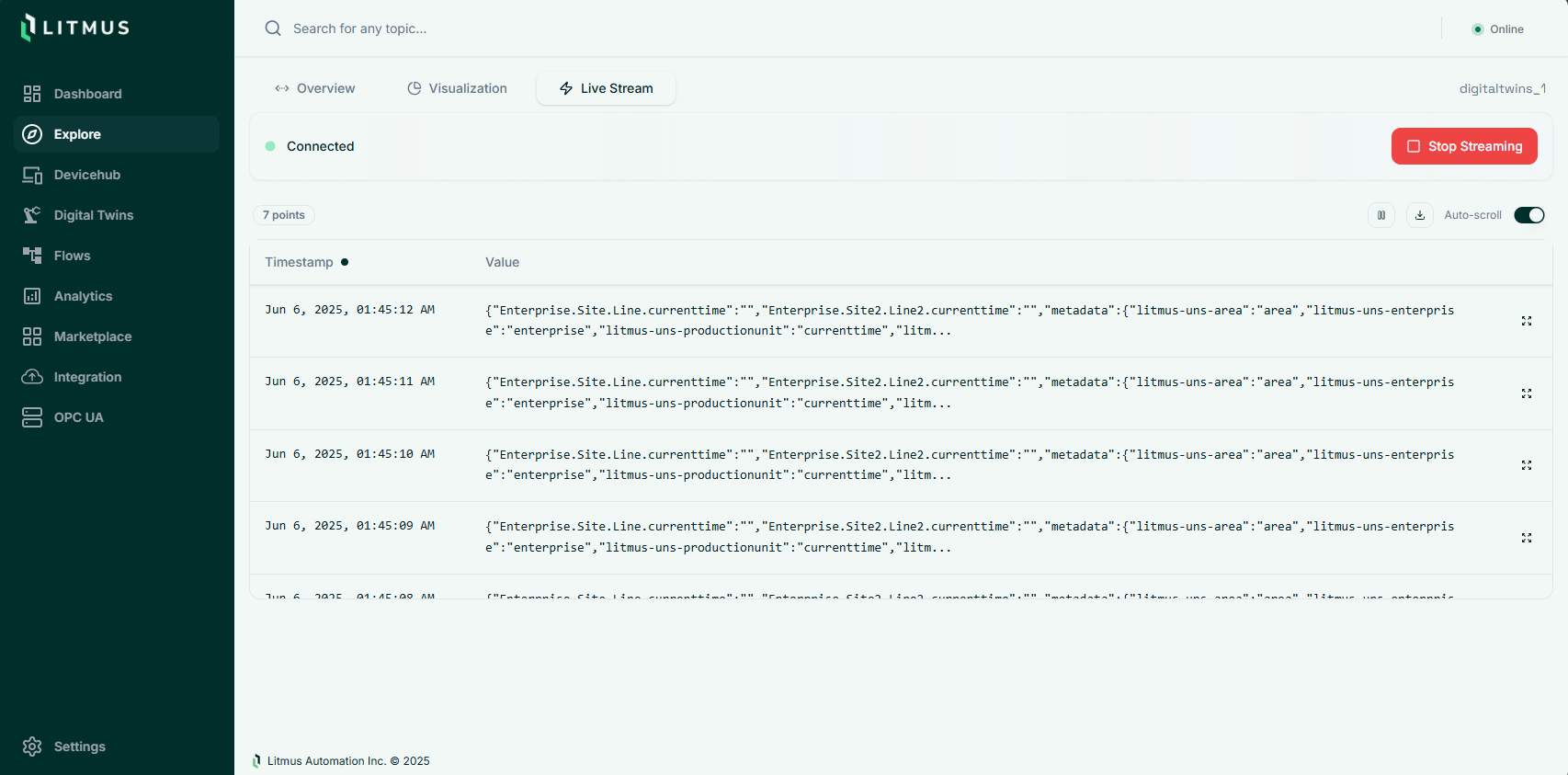
The page displays numeric values in a chart and messages in a table. A connected stream with no messages does not prove that the source is publishing.
The live display uses a bounded buffer. Use a historian when you need a retained measurement history.
Read the stream
Numeric values appear in a chart. Use the chart to see how a value changes while the source publishes.
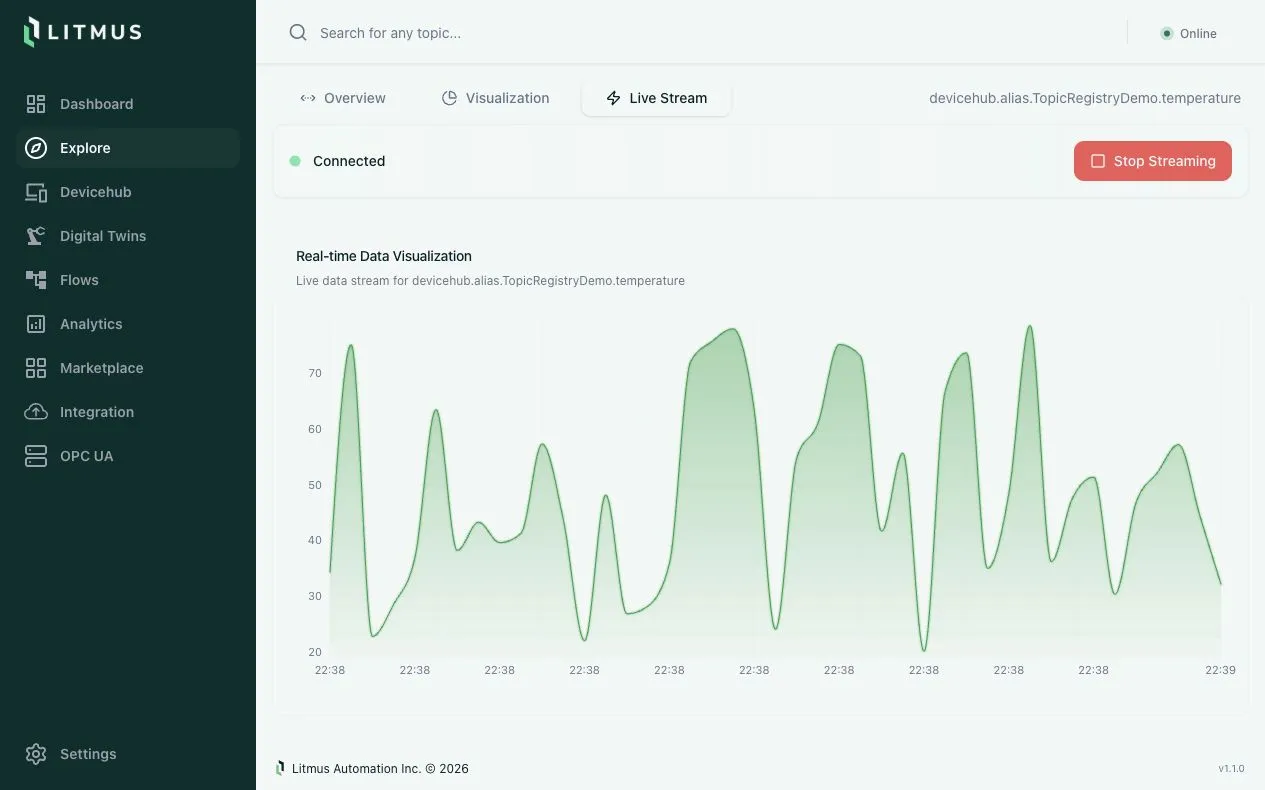
Messages with structured values appear in a table with their timestamps.
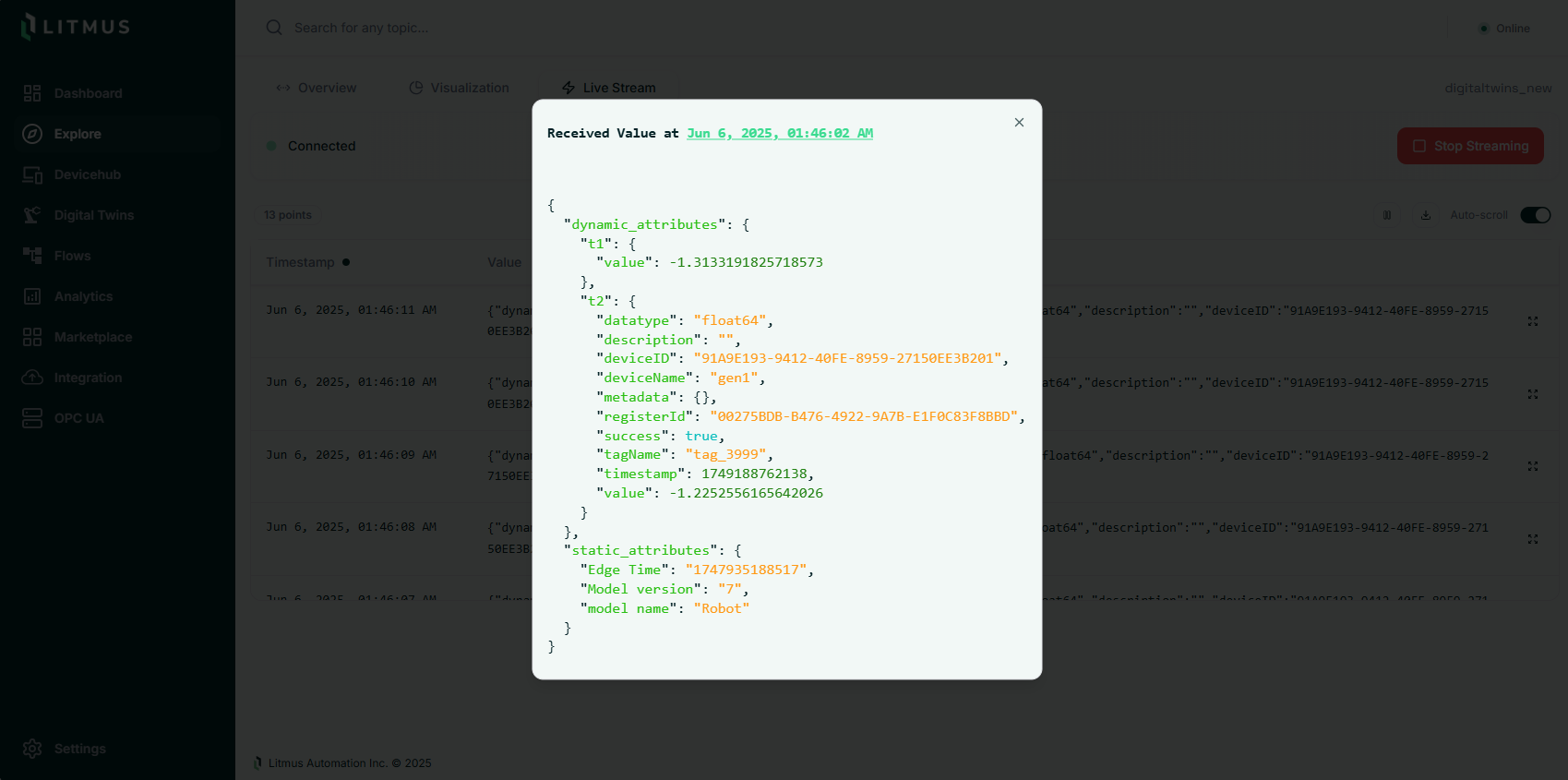
Expand a message to inspect its complete payload.
What's next
See REST API reference to retrieve values or open a server-sent event stream from another application.