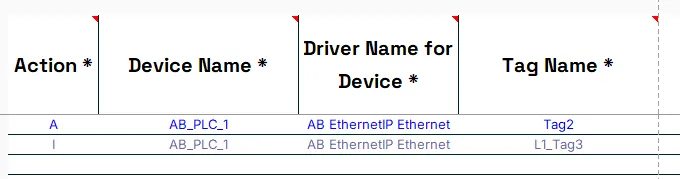
Add or Remove a Prefix for Tag Names
With the Tag Management tool, it is easy to quickly add or remove a Prefix to Tag Name(s).
Add a Prefix for Tag Name(s)
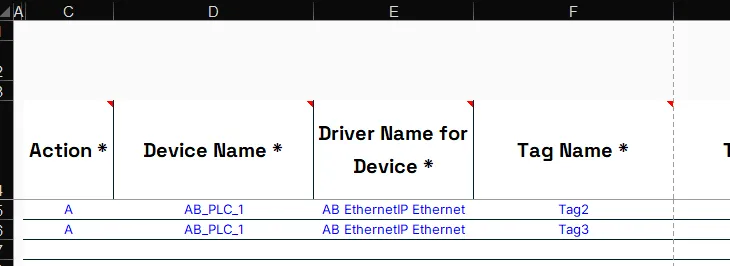
One or more Tag(s) are defined in the sheet
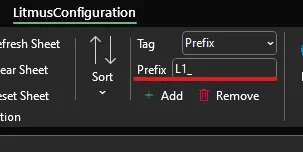
Select Prefix from the Tag option and provide the value for the Prefix you want to add in the LitmusConfiguration Ribbon.
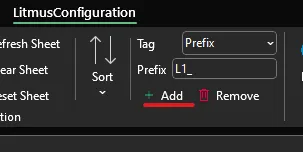
To add the Prefix to every Tag with an Action of A, M or D press the Add button.
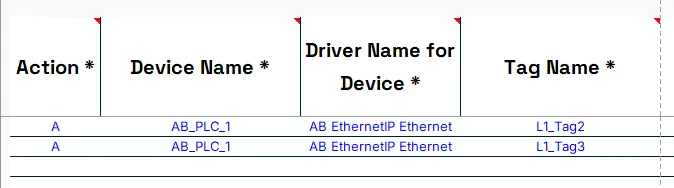
The Prefix will be applied to every Tag Name where the Prefix is not already present.
Notes:
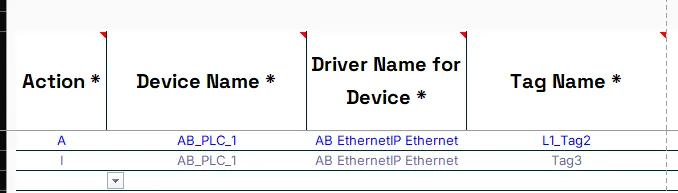
If you do not want to apply a Prefix to a Device Name, change the Action to I.
Remove a Prefix from Tag Name(s)
One or more Tags(s) are defined in the sheet where some have a Prefix.
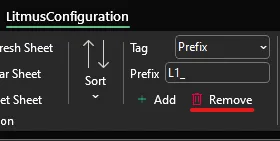
Select Prefix from the Tag option and provide the value for the Prefix you want to remove in the LitmusConfiguration Ribbon.

To remove a Prefix from a Tag, their Action needs to be set to A, M or D. To remove the Prefix press the Remove button.
The Prefix will be removed from every Tag Name where the Prefix is present.
Notes:
If you do not want to remove a Prefix from a Tag Name, change the Action to I.