Disable Devices
The Device Management tool can be used to disable one or multiple devices on one or multiple Litmus Edge.
Important: If devices are disabled, they will stop collecting data.
Disable Device(s)
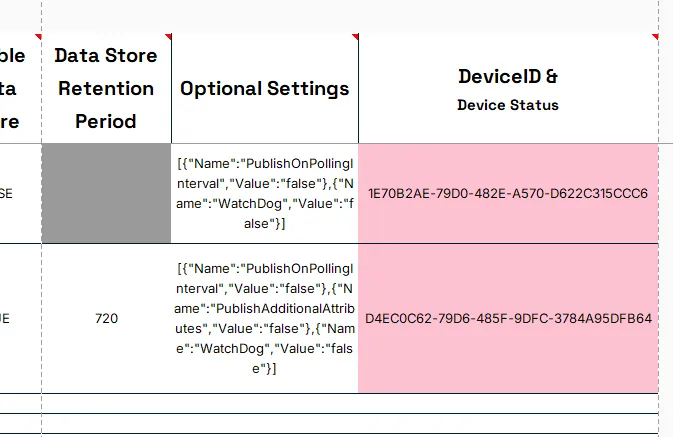
To be able to be disabled, a device requires an entry in the column DeviceID and set to M in column Action.

Notes:
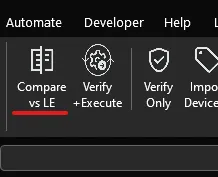
Use the Compare vs LE option to check if the devices exist and have a DeviceID.
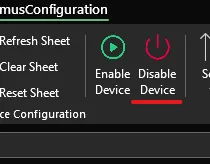
Press the Disable Device option to disable ALL devices with the Action M.
Notes:
To not disable devices currently in the sheet, set their Action to I for ignore.
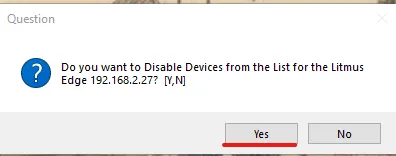
To verify to disable all devices in the sheet with Action M and a DeviceID, press the Yes button
After disabeling all the valid devices, the tool asks if the device status should be cheked.
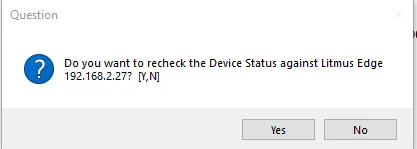
This will check the device status and show it in column DeviceID & Device Status.
Disabled devices will show a red status.