Check Update Status for Instance(s) of Model(s)
3 min
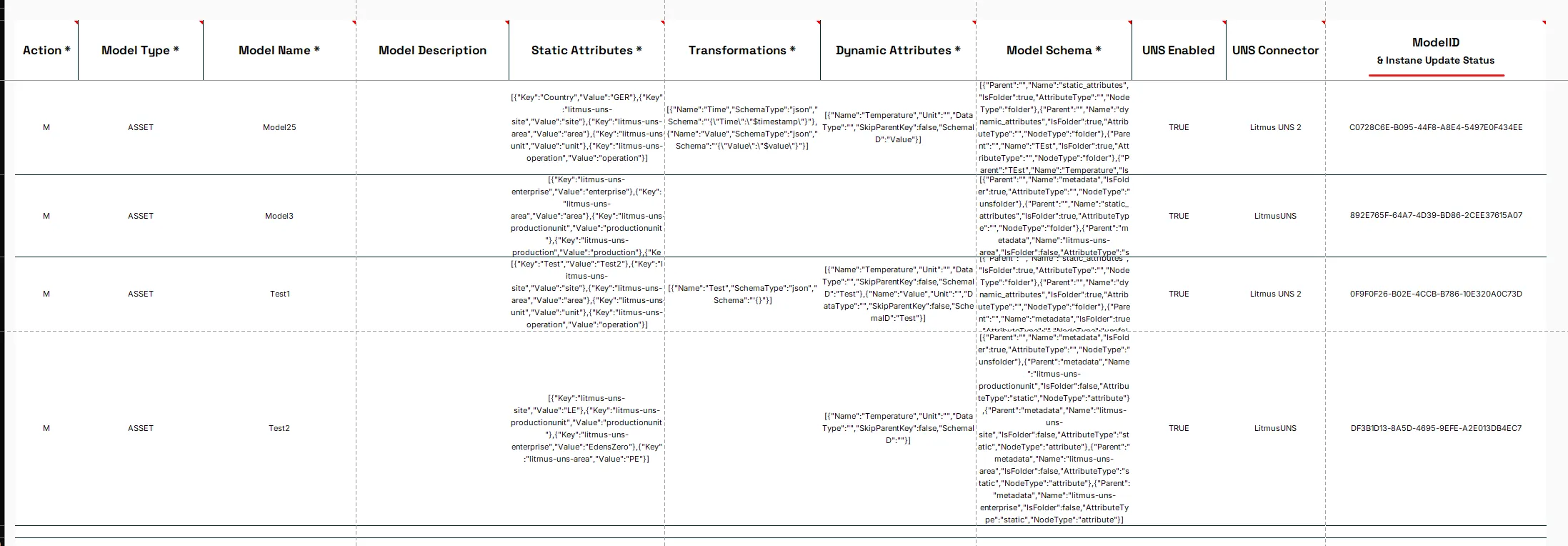
If a Model has an entry in the column ModelID & Instance Update Status, the tool allows the user to check if a Model has Instances and if and how many of these instances run the same Version of the Model.
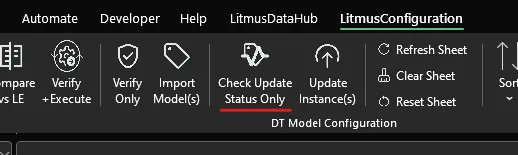
Press the Check Update Status Only button of the Ribbon.
The tool will read the current version of the Model and also checks if Instances of the Mode lare defined and what version of the Model they run and show this information as a color in the column ModelID & Instance Update Status.
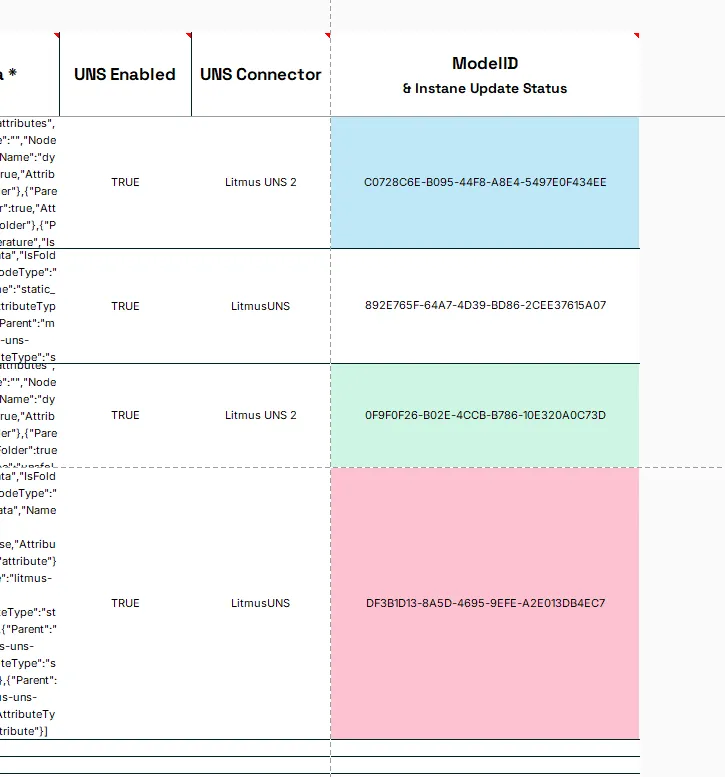
The color codes
- white = No Instances for the Model exist
- green = All Instances of the Model are up to date
- blue = Some of the Instances of the Model are up to date
- red = None of the Instances of the Model are up to date
Notes:
This can be done both for the Connected To option One LE and Multiple LE.
Notes:
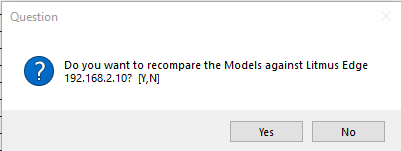
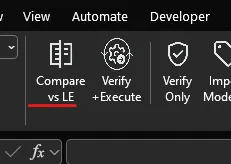
This check is also part of the process run by the Compare vs LE button.
Or when recomparing Models after executing Actions.