Uninstall Litmus Excel Add-ins
4 min
To uninstall the Litmus Excel Add-ins, Windows Apps & features can be used.
Uninstallation Steps
Step 1: Open Windows Apps & features
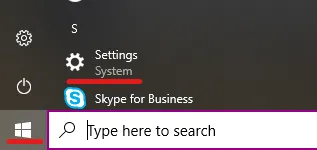
Open Settings on your Windows device.
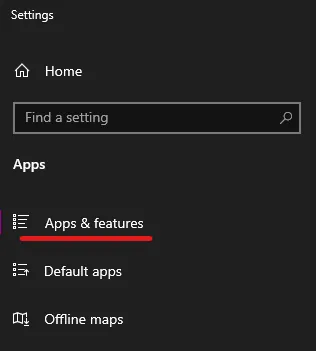
Go to Apps & features.
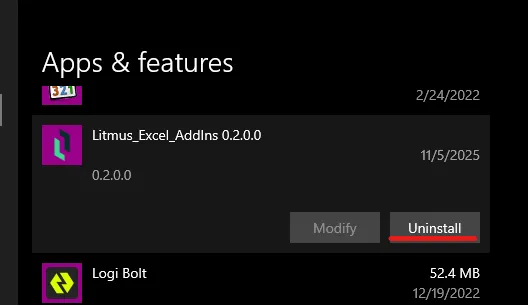
Scroll down to Litmus_Excel_AddIns <version> and expand it. Press the Uninstall button.
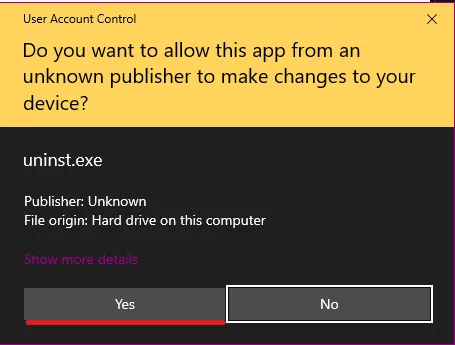
Step 2: Run the Uninstaller
Grant Administrator Access when prompted.
Step 3: Follow the Installation Wizard
Validate that you want to Uninstall the Litmus_Exce_AddIns.
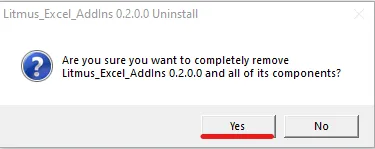
All files installed with the Litmus Excel AddIns will be removed.
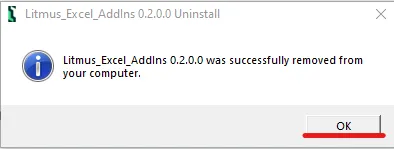
Confirm the completion.